
No code
You build it in the browser dashboard. You watch readings, flip switches, or make a rule like "if it gets dark, turn on the light". 43 of the 50 ideas work this way, and you can try a rule just below.
Project library
Pick a project for the kit you already have. Most need no code: you build them in the browser dashboard with a simple rule.
Every idea card shows the parts it uses, one of the three labels below, and the lessons that teach it. The highest lesson number tells you when your class is ready. Automatic rules are taught in lessons 21 to 28.
You build it in the browser dashboard. You watch readings, flip switches, or make a rule like "if it gets dark, turn on the light". 43 of the 50 ideas work this way, and you can try a rule just below.
You write your own program for the board in the Arduino IDE. The 32 lessons do not teach this, so try these after the lessons. Your program replaces the MakerBuddy software until you upload it again.
You need a part that is not in the box, such as a small low-voltage water pump. Only 2 of the 50 ideas need one.
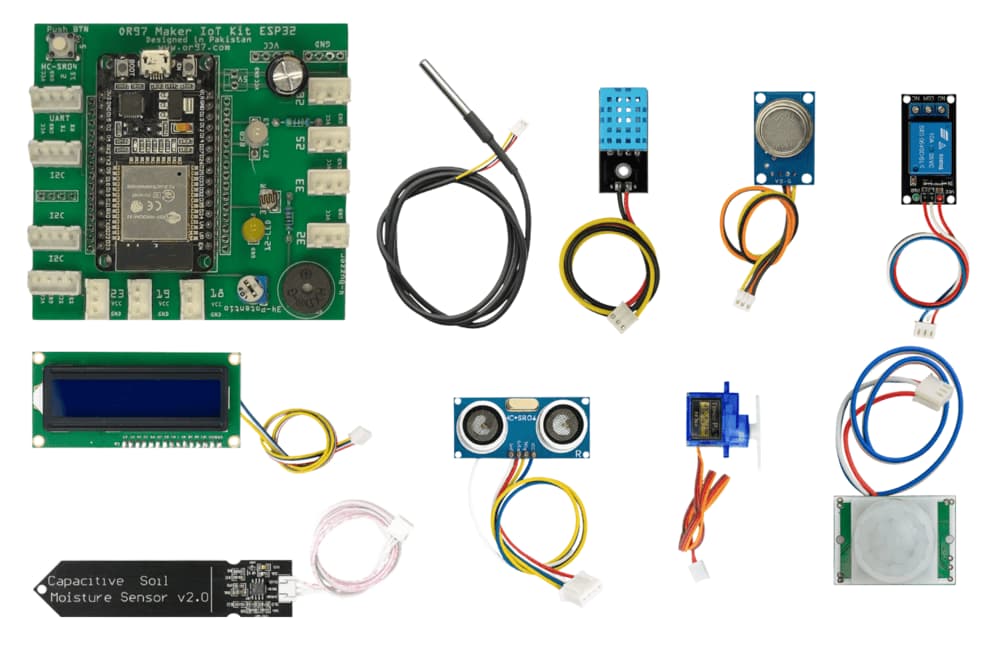
A blue light, a colour-changing light, a push button, a light sensor, a buzzer (it plays one tone) and a turning knob.
A temperature and humidity sensor, a waterproof temperature probe, a distance sensor, a motion sensor, a smoke and gas sensor, a soil moisture sensor, a servo motor, a relay switch and a text screen. The kit photo at the top also shows cables, a small bulb, a small fan, craft sticks and a screwdriver.
A computer with Chrome, Edge or Firefox and the free MakerBuddy extension, or Safari on a Mac, iPhone or iPad. Also 2.4 GHz Wi-Fi (a phone hotspot works), a micro-USB cable and a 5 V USB charger.
Pick a group, pick a part you have, or search. Each card lists its parts, says if it needs code, and links to the lessons that teach it.
These ten MakerBuddy builds have full step-by-step guides on Hackster.io. They are finished models, so they also show what a class can make with the kit.
Smart home
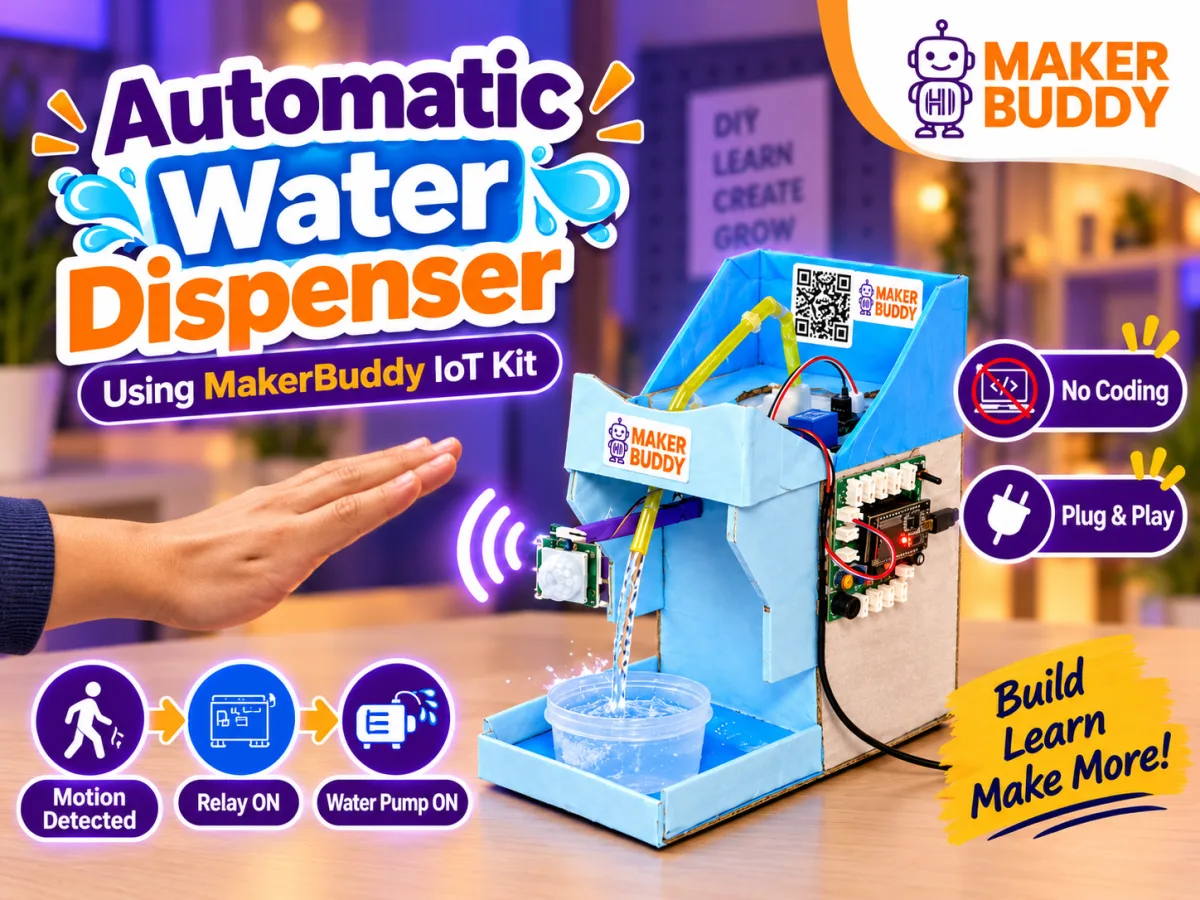
A touchless dispenser: a sensor spots a hand, and the relay switches on a small water pump that you buy separately.
Smart home
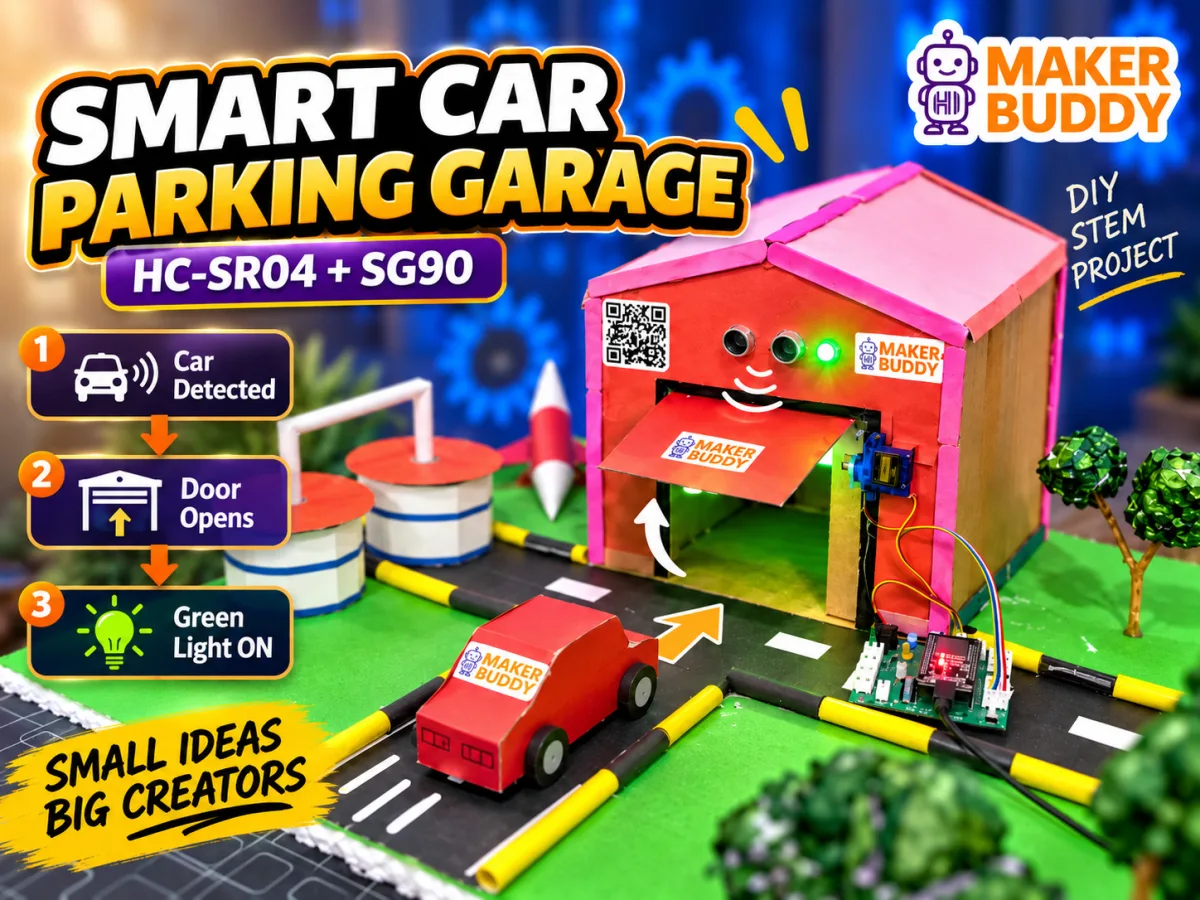
A sensor spots an approaching car, the servo opens the garage door, and the board shows when it is clear to drive in.
Smart home
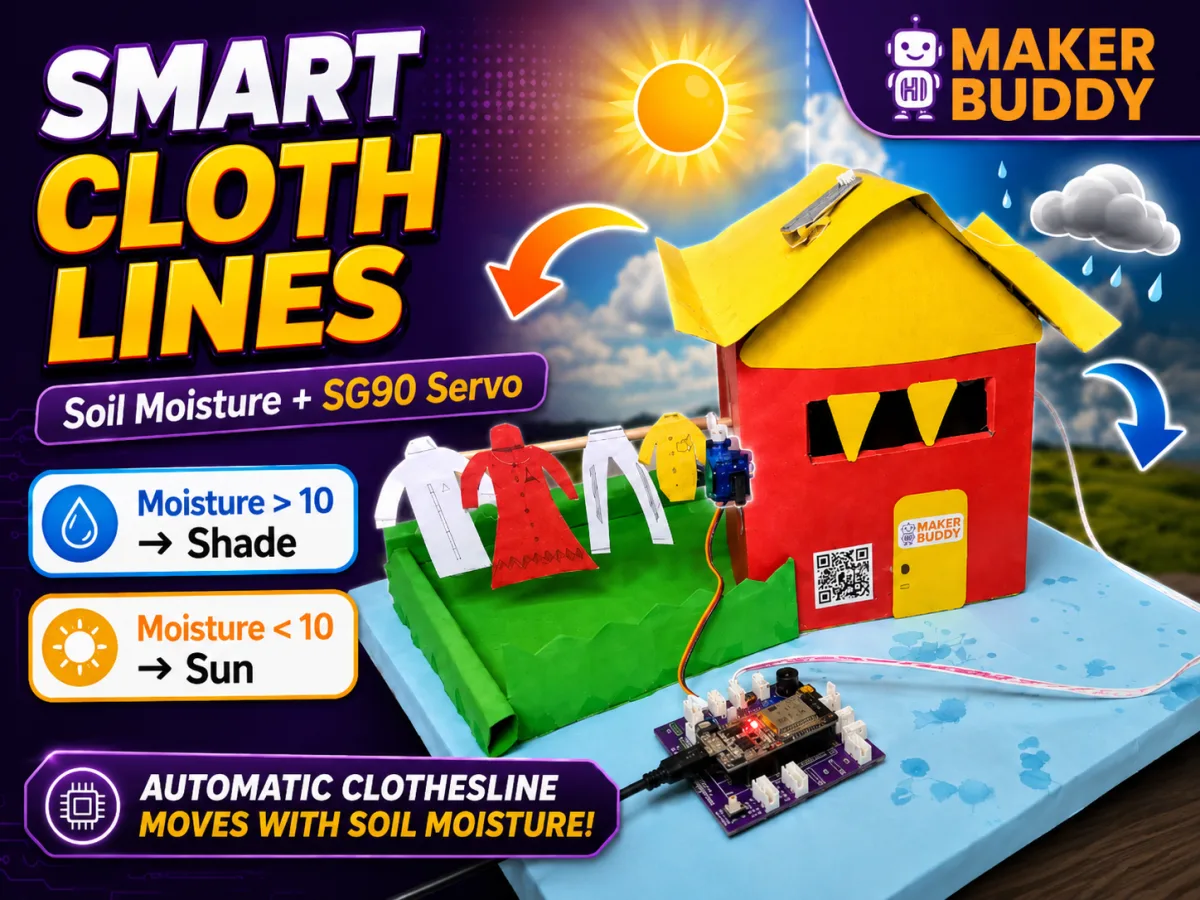
When the soil moisture sensor gets wet with rain, the servo moves the model clothes under cover.
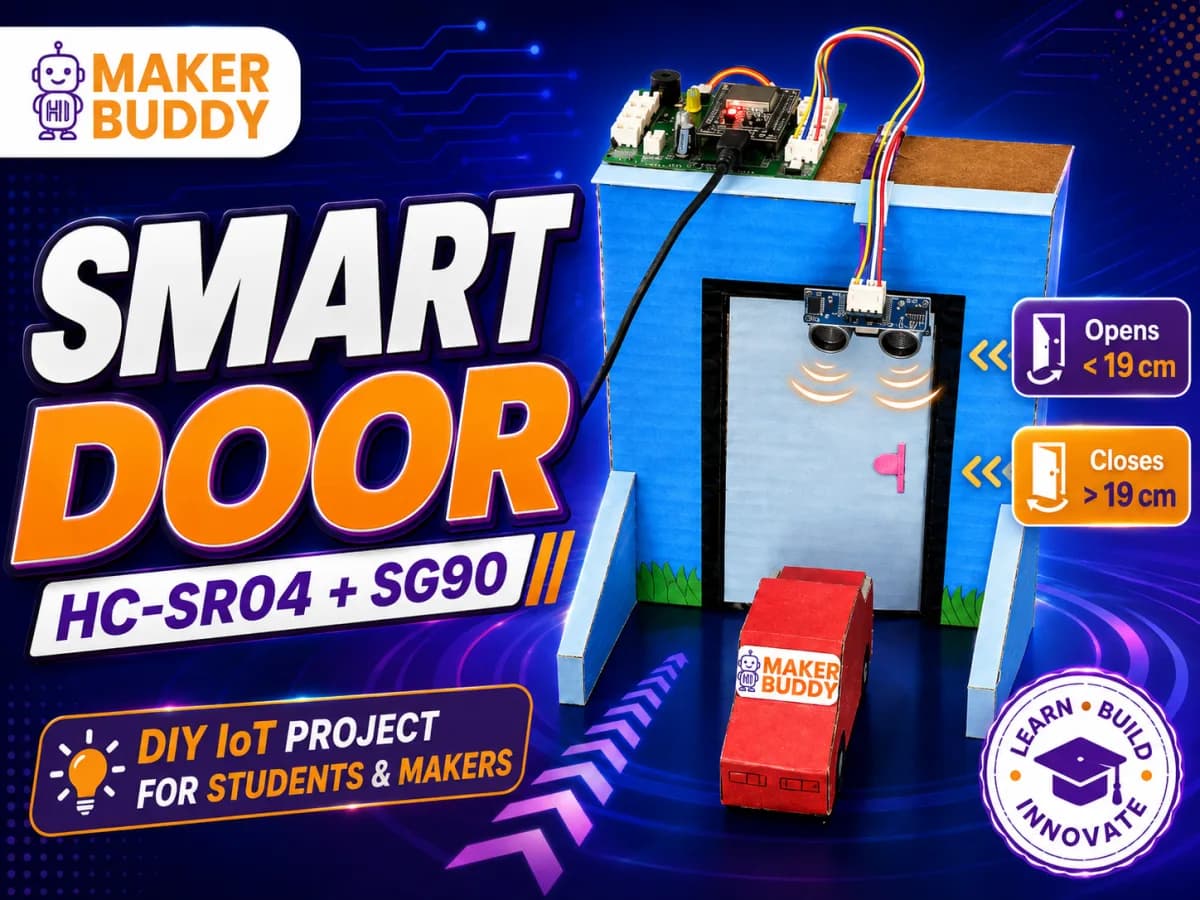
Smart home
The distance sensor spots someone coming, and the servo opens a model door.
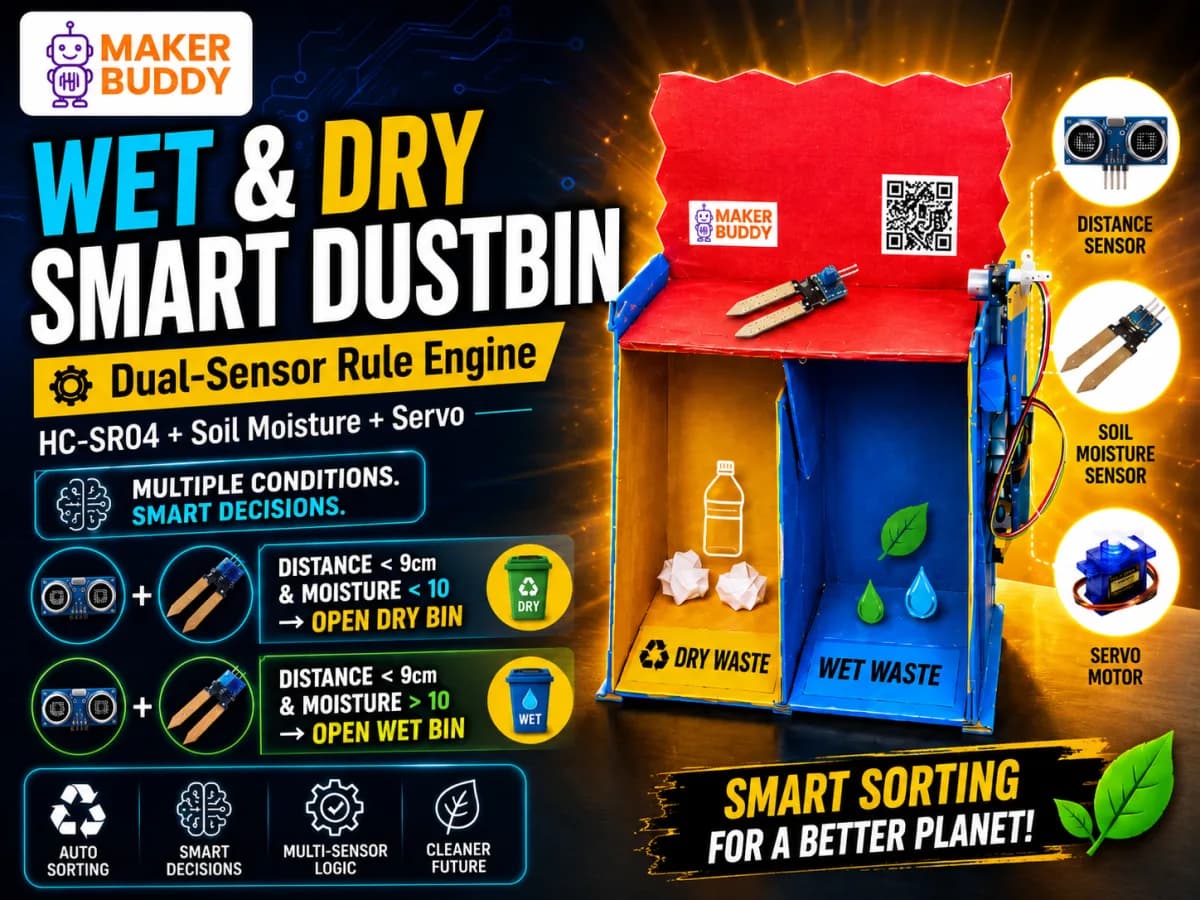
Science and nature
The distance and moisture sensors work together to sort wet and dry waste into separate bins.
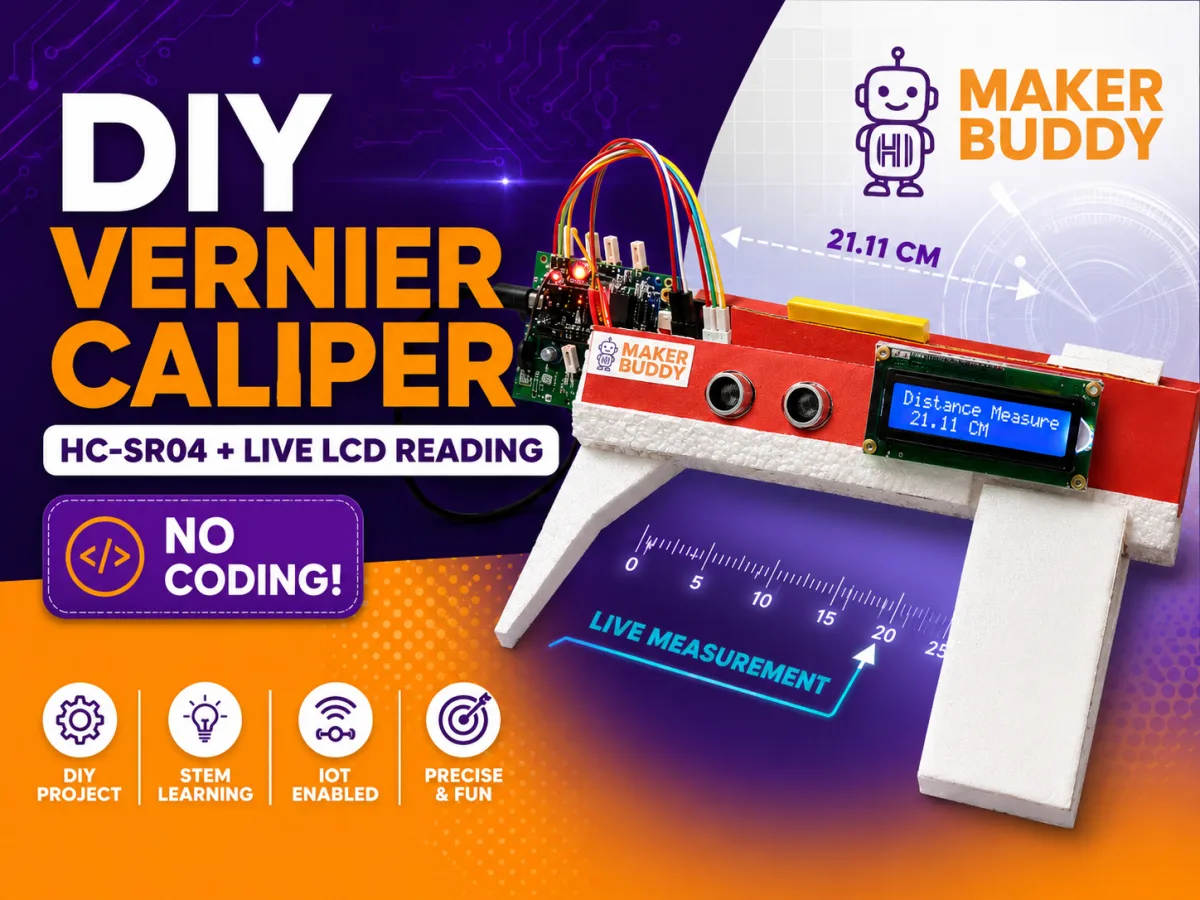
Science and nature
A no-code distance meter that shows centimetres on the text screen.
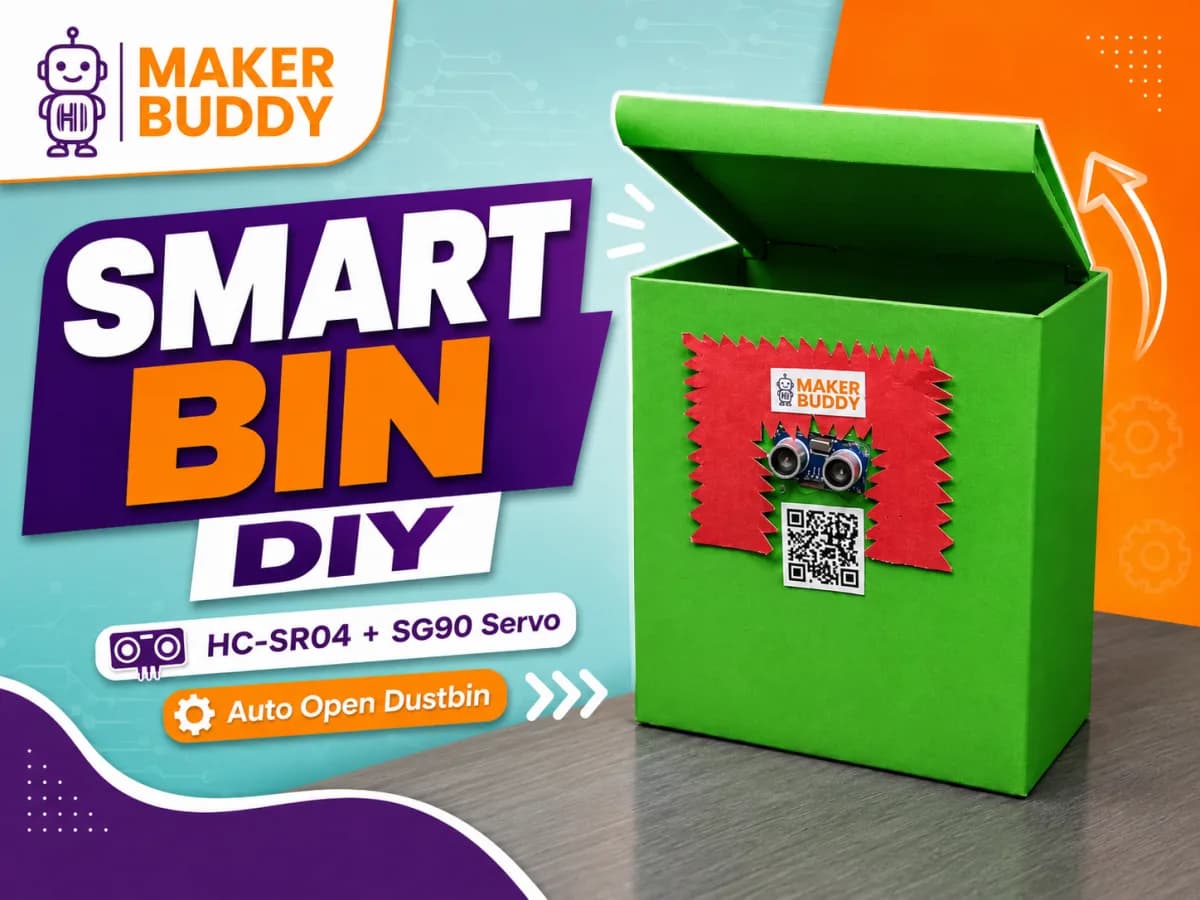
Smart home
The distance sensor spots a hand, and the servo opens the dustbin lid without a touch.
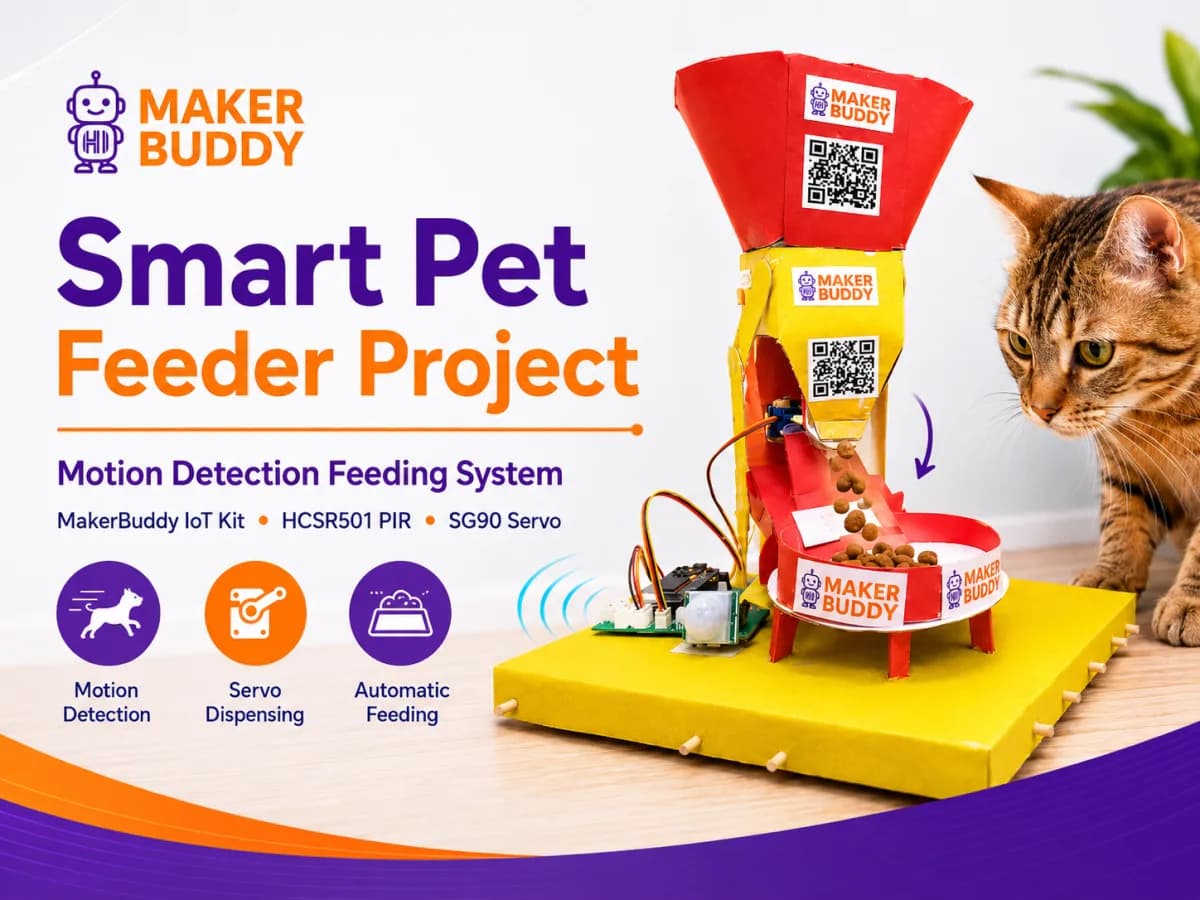
Smart home
When the motion sensor sees your pet, the servo opens and lets out a small portion of food.
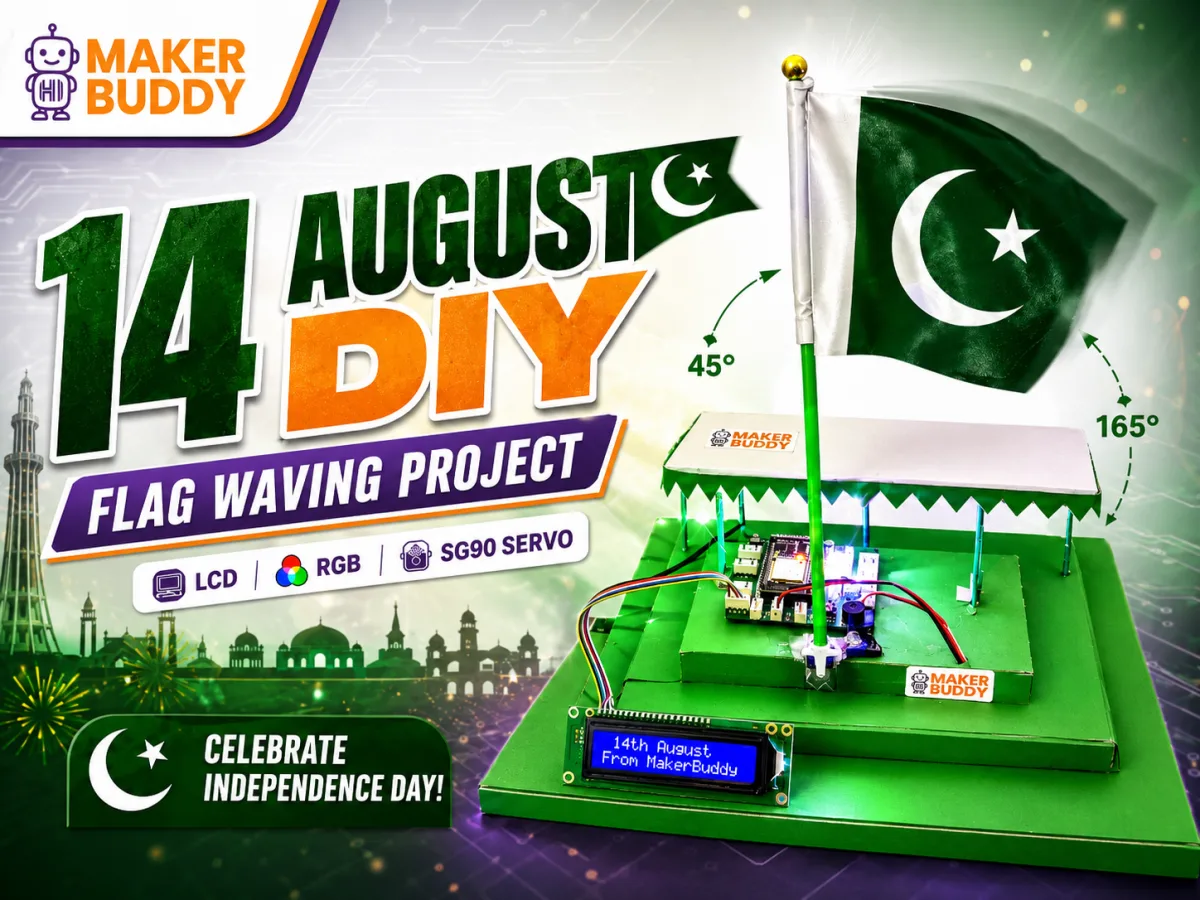
Games and fun
For Independence Day: the servo waves a flag while the colour light glows and the text screen shows a message.
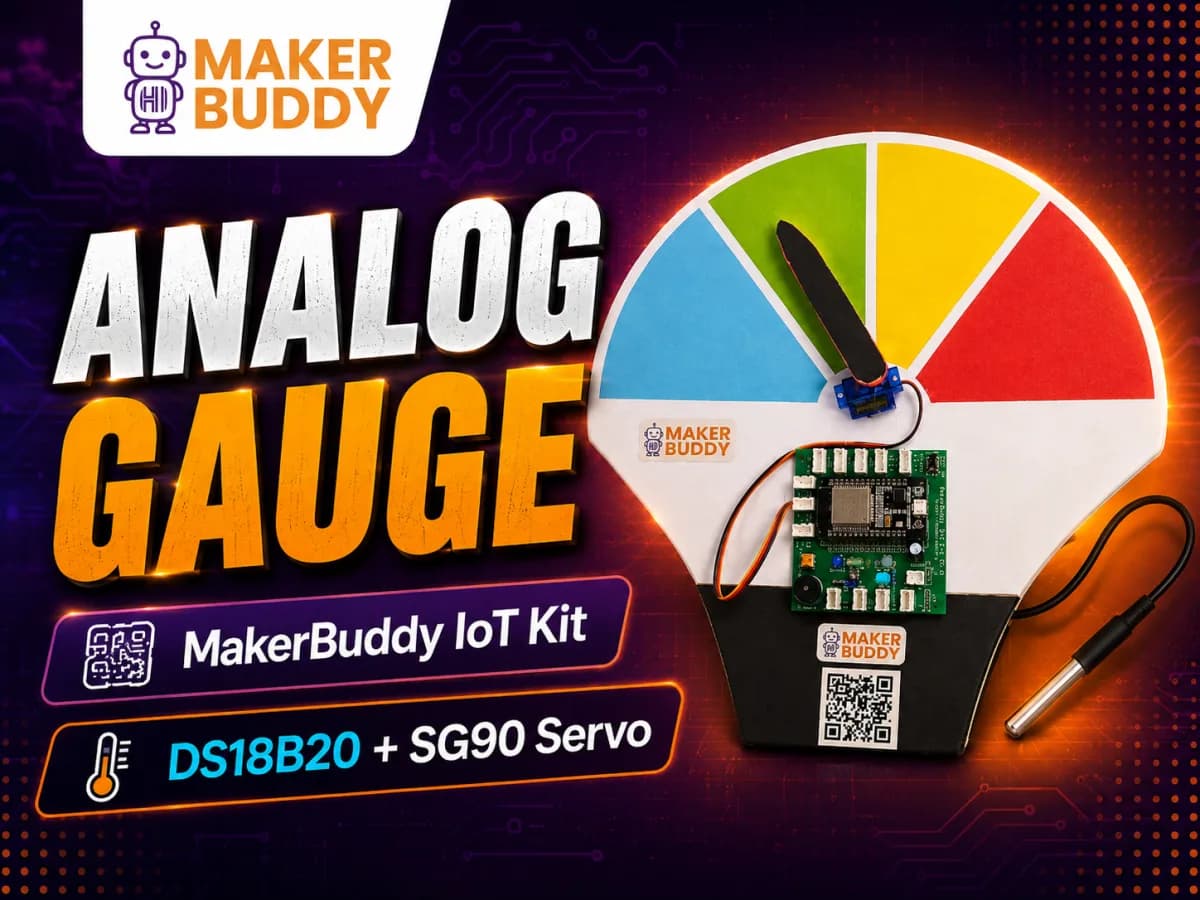
Science and nature
The servo moves a pointer on a dial to show the temperature from the waterproof probe.
Answer these seven questions before you start. Testing gets easier, and you have something clear to show. Pick an idea to fill in the first answers. Nothing you type is saved or sent.
Lesson 31, Capstone Project Design & Troubleshooting, plans a bigger project the same way. Lesson 32 is the MakerBuddy Expo, where students show what they built.
The lessons, this project library and the documentation are free to read, with or without a kit. If a build does not work, here is where to ask.
Ask other makers in the MakerBuddy WhatsApp Community (opens in a new tab).
Write to info@makerbuddy.cc. Say which idea you are building and what you tried.
The 32 lessons teach every part step by step. The documentation explains the dashboard, rules and the web API.
Plan it as a class project
Start with a no-code build this week. Need kits for your class? Order online in Pakistan, or ask for a quote anywhere else.
Try a ready-made rule:
Your rule
Ifis%,then.
Drag the slider. It stands in for a real sensor reading.
What the board does
The rule is waiting. Blue light: Off.
The light level is 60%. That is not below 20%, so the rule does nothing yet.
This is a model of the idea. On the kit you build the same rule in the dashboard's Rule Engine. Lesson 26 builds rules like this.
Pick the last lesson your class finished, and each card will say if your class is ready for it.
Showing 50 of 50 ideas
Quick first builds. One part senses something, and one part reacts.
The board's blue light turns on by itself when the room gets dark. Try a few dark levels, and find out why the best level changes from room to room.
Press the board's button and the buzzer plays a short beep-beep pattern. Choose a pattern that sounds different from other alarms.
The buzzer beeps slowly when something comes close, and fast when it is too close. You make one rule for each distance.
Read the room temperature on the dashboard. Write it down every hour for a day, and look for changes caused by sun or open windows.
Turn the board's knob to make the blue light brighter or dimmer. Then explain how the board dims a light by switching it on and off very fast.
Move the red, green and blue sliders on the dashboard to mix new colours. Write down the three numbers for colours you like, so you can make them again.
Lesson 5
Make the servo motor swing back and forth like a car's windscreen wiper. Change how far it swings and how fast it moves in the rule editor.
A crossing light shows red, yellow, then green, each for a set time, and beeps when it is safe to cross. Do it by hand on the dashboard first, then as an automatic rule.
When the motion sensor sees movement, the buzzer sounds and the blue light flashes. Walk past it to find out how far away it can see you.
The blue light turns on at a random moment, and the player presses the button as fast as they can. Talk about why one press can sometimes count as several.
Make a room react by itself: a fan, a lamp or an alarm turns on when it is needed.
When the room gets warmer than a level you choose, the relay turns on a small fan. A second rule turns it off when the room cools down.
When the light level drops at dusk, the relay turns on a small bulb. To switch the bulb by hand, stop the rule first, then use the relay switch on the dashboard.
Watch the gas number on the dashboard and make two rules. The first gives a slow beep when the number rises, and the second gives a fast beep and a red light when it rises more.
When the soil sensor reads too dry, the relay switches on a small water pump or valve. A second rule switches it off when the soil is wet again.
When the motion sensor sees movement, the buzzer sounds and the text screen shows "Someone came in!". The board has no clock, so write the time in a logbook.
A "Busy" rule turns the colour light red and shows "Do not disturb" on the text screen. A "Free" rule shows green and "Come in", and you start the one you need from the dashboard.
A rule makes the blue light brighter step by step, for example 10 steps over 10 minutes, like a sunrise. You start it yourself, because the board has no clock and cannot wake you at a set time.
The colour light turns green, then yellow, then red as a car gets closer to the wall. The car stops in the same spot every time.
Step-by-step guide: Smart Car Parking Garage (opens Hackster.io in a new tab)
Read the temperature and humidity every 5 minutes and write them in a table. Then draw the trend as a graph, on paper or in a spreadsheet.
Add 1 each time the motion sensor turns on, and show the total on the text screen. It counts movements, not exact people.
Watch and control your build from a browser on the same Wi-Fi as the board.
Turn the blue light or the relay on and off from a phone on the same Wi-Fi as the board. On an iPhone or iPad, open the web app in Safari.
Show your room's temperature and humidity on the dashboard. Compare them with a weather app for your city, and explain the difference.
Open a flap with the servo motor from the dashboard, or use a Timer rule that opens it every few hours. The board has no clock, so it cannot feed at a set time like 8 am.
A small program on a computer reads the motion sensor from the board and sends you an email. The board itself cannot send email.
Lesson 13
Mix a colour with the sliders on the dashboard. Or make a rule that cycles through the built-in rule colours: red, green, blue, yellow, purple, cyan and white.
Point the distance sensor at a door: a short distance means closed, and a long one means open. A rule shows "Door open" on the text screen, and the dashboard shows the distance.
Press the button and the blue light flashes a pattern instead of beeping. Use it as a silent doorbell in a library, or in a room where noise is a problem.
Watch the temperature and any movement in a room together, on one dashboard screen. Decide which readings would mean the room needs checking.
Three rules turn the colour light green, yellow or red as the gas number rises. Watch the number on the dashboard first, to choose your levels.
One rule with up to 10 steps changes colours and switches a small bulb on and off in time. Start and stop the show from the dashboard.
Measure, compare, and explain what the numbers mean.
Set "dry" and "wet" with the soil sensor's calibration. When the soil gets too dry, a light or a beep reminds you to water the plant.
Compare the gas number in different rooms, or at different times of day. Then talk about what a low-cost gas sensor can and cannot tell you.
Lesson 17
Put the waterproof temperature probe in a cup of warm water, and note the temperature every few minutes. Wrap the cup in different materials to find which one keeps the water warm longest.
Lesson 11
The buzzer beeps when a shadow passes over the light sensor. Find out how dark a shadow must be before the board notices it.
Run many reaction trials with a light that turns on at a random moment. Record each time, and compare the average times of different players.
Push the soil sensor's blade into sand, soil and sawdust with different amounts of water. Compare the moisture numbers, and put the materials in order from driest to wettest.
Lesson 18
Point the distance sensor down to measure how tall something is, or how full a box is. Show the distance in centimetres on the text screen.
Turn the servo to 0°, 30°, 60° and so on from the dashboard, and write down the distance at each angle. Plot the points on paper to draw a map of the room.
Read the temperature and humidity, then work out the dew point by hand with a simple formula. Explain each step, and check your answer with an online calculator.
Lesson 10
Push the waterproof temperature probe and the soil sensor into a compost pile. Use the two readings to decide when the pile needs turning or water.
Use the same parts to make games and toys.
Press the button and the text screen shows a fortune for a few seconds. Write the fortune in the rule editor.
The board flashes a pattern of colours and beeps. The player repeats it with the button, and the pattern gets longer each round.
The closer your hand, the faster the buzzer beeps. Use two or three rules, one for each distance.
Two players race to press their own button. The text screen names the winner.
When the motion sensor sees you, the text screen shows a happy face and the buzzer beeps hello. When nobody is near, a second rule shows a sad face.
Turn the board's knob like the dial on a safe. When it lands in the secret range, the text screen says "Open!".
Players pass the board around and press the button. The buzzer goes off at a random moment, and whoever holds the board then is out.
Each team has its own board. Pressing the button makes the buzzer beep and the colour light show the team's colour.
Make the servo turn to a list of angles, one after another (up to 10). Check each angle with a protractor, and see how close it gets.
A bigger build that uses several sensors and outputs at once.
Use the light sensor and the motion sensor together. If a shadow crosses the light or something moves, the buzzer sounds, the blue light flashes and the text screen shows a warning.
For example: above 30 °C, or when someone comes closer than 20 cm.
Light up, beep, move or show text.