Skip to content
MakerBuddy

For makerspaces and libraries

Run hands-on electronics workshops with kits you reuse

Teams of 2–3 share one kit and make a light, a buzzer or a small motor react from a web page. Nobody needs to code to start.

  • Sessions1 hour to a weekend
  • Ages10+, younger with an adult
  • In PakistanPKR 40,000 a kit
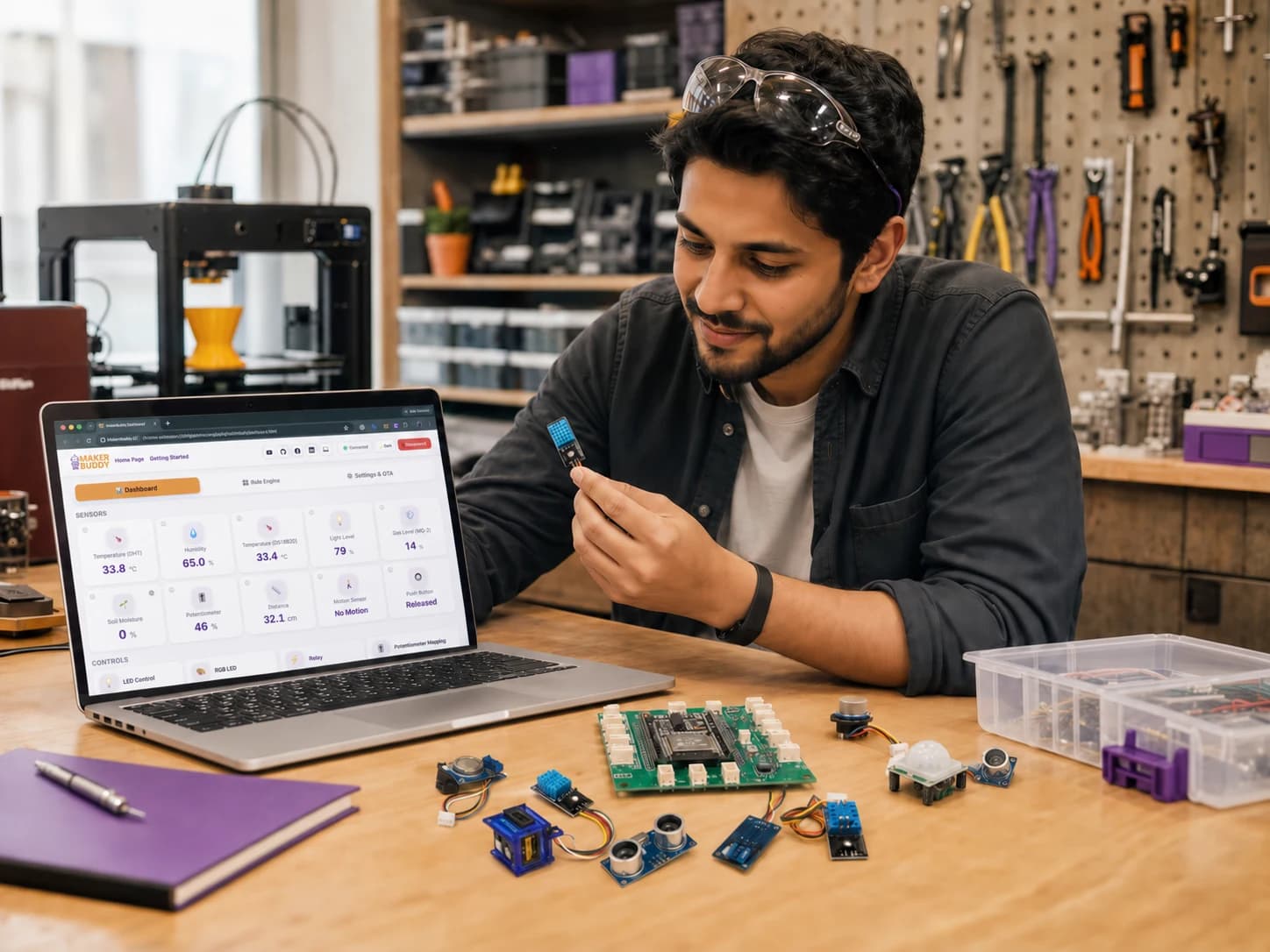
A maker at a workbench holds a small sensor next to a green MakerBuddy IoT Kit V1.0 board, with the web dashboard open on a laptop

What happens in a session

Teams of 2–3 share one kit and one laptop. Once the kits are set up, each team makes a light, a sound or a small motor react from a web page. Then they try their own ideas, and experienced makers go further.

A quick start for newcomers

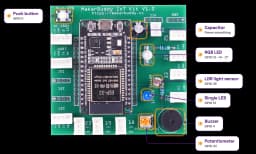
Six parts are built into the board: a blue light, a colour light, a push button, a light sensor, a buzzer and a turning knob.

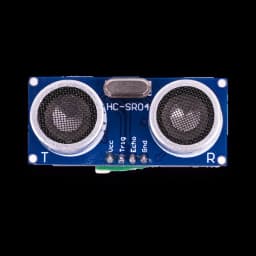
Most other parts plug into labelled sockets that fit only one way. The distance sensor and the screen use four wires, matched by name. People open the dashboard (the control page) and see live readings straight away.
Same kit, next group

There is no breadboard to pull apart and nothing to solder. Parts unplug and go back in the box. The same kit works for a beginner taster and an advanced build.

Before the next group, delete the last group's rules. The board keeps them, even when it is unplugged.

Room to grow

Experienced makers can write their own Arduino code. They can also use the board's web connection (a REST API and a WebSocket) to build their own control pages.

Spare I²C and UART sockets take extra parts, with your own code. Beginners and volunteers never need any of this.

Works on your own Wi-Fi

The board and the dashboard talk directly over your network. There are no accounts, and readings stay on your Wi-Fi. A slow internet line will not stop a session.

Internet is needed only to open the web app or install the extension, so do that before people arrive. The board has no password: anyone on the same network can control it. Use a network you trust.

Pick a session format

Pick the format that fits your time slot. Plan one kit for every 2–3 people. Each free lesson takes 45–60 minutes, so a short session uses one activity from each lesson listed.

Highlight a format

1-hour drop-in

Time
About 1 hour
People per kit
2–3
What people make
Each team reads one sensor, switches a light or the buzzer, and makes one rule. Quick demos at the end.
Show first
Link the knob to the blue light in the dashboard. Turn the knob and the light gets brighter.
Coding
None
Staff prep
Set up and name every board on the Wi-Fi. Open the dashboard on every laptop.
Free lessons
Week 4, Week 7, Week 9, Week 26
Project ideas
Smart Night Light, Knob Dimmer, Doorbell

Half-day build lab

Time
Half a day
People per kit
2–3
What people make
Each team gets a real problem to solve: for the environment, for people with disabilities, or for a smart room. They build an answer and test it.
Show first
Wave a hand in front of the distance sensor and watch the reading change.
Coding
None
Staff prep
As for the drop-in, plus one problem card for each team.
Project ideas
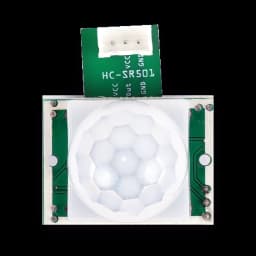
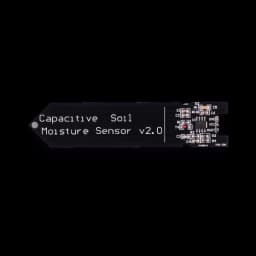
Distance Warning, Motion Alarm, Plant Thirst Tracker

Weekend challenge

Time
A weekend
People per kit
2–3
What people make
Teams use several sensors with the motor, lights or buzzer, and build a case. Judges pick the best answer to a local problem.
Show first
A rule that uses two sensors at once, such as "dark AND something moves".
Coding
Optional
Staff prep
As for the drop-in, plus card and tape for cases, and judges.
Project ideas
Garage Park Assist, Intruder Alert, Shadow Alarm

Hackathon

Time
A day or more
People per kit
One kit per team
What people make
Teams test whether an idea works with real sensors, before they build their own circuits or apps.
Show first
Read the sensors from the board's web API, for example GET /api/sensors.
Coding
Optional: the web API or Arduino code
Staff prep
As for the drop-in, plus a Wi-Fi network you trust and the documentation page.
Free lessons
Week 21, Week 27
Project ideas
Phone Light Switch, Door Status Checker, Motion Email Alert

Make a one-page plan for your group

Pick a format, then say who is coming and how many. You get the kits, laptops, lessons and what to bring on one page. Print it, or copy it into an email to your manager.

Every project idea is free to read on the project ideas page, with the parts and lessons it needs.

On the day, step by step

Tick the steps off on a phone as you go. Your ticks stay in this browser only.

Before people arrive

0 of 4 done

During the session

0 of 4 done

Before the next group

0 of 3 done

What's in one kit, and what you bring

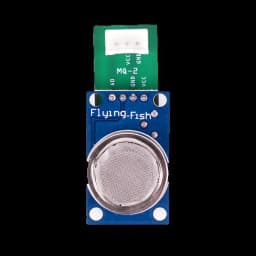
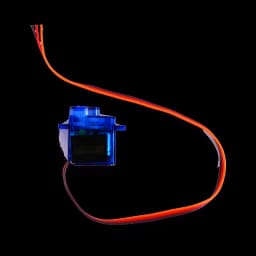
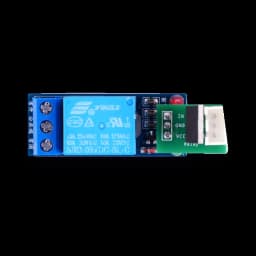
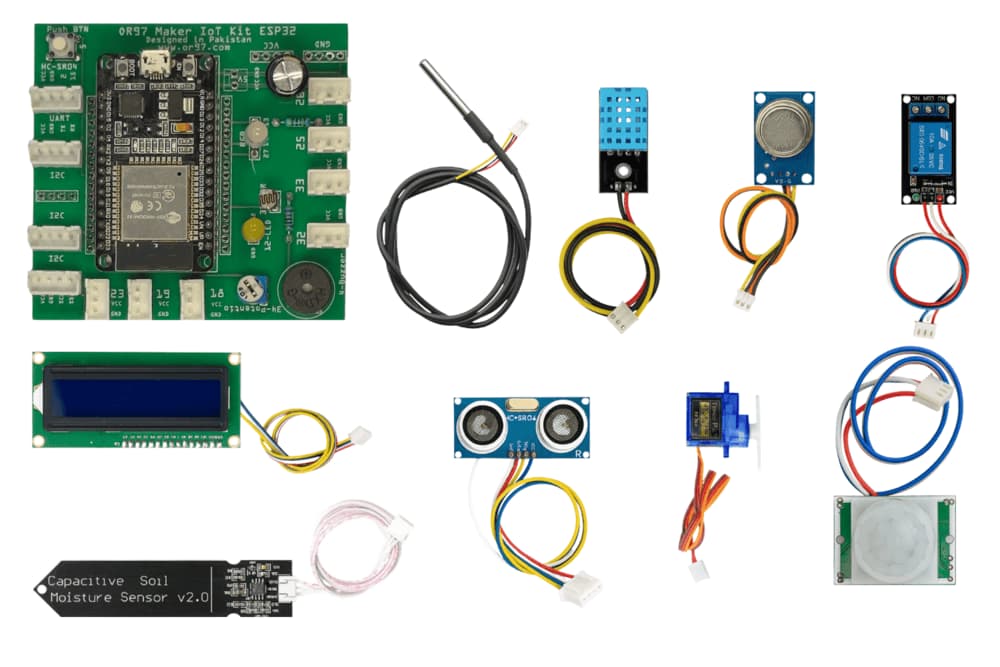
One kit is one board with 6 parts built in, plus 9 parts that plug in. After each group, use the sheet below to check every kit back in.

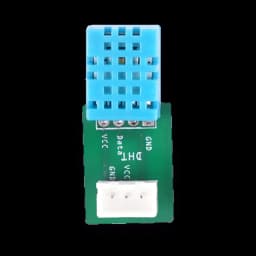
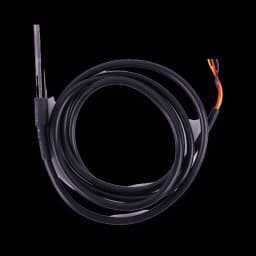
A green MakerBuddy IoT Kit V1.0 board laid out with its plug-in sensors, small text screen, servo motor, temperature probe and soil sensor, plus connector cables, a small motor with a yellow fan blade, a small bulb, craft sticks and a screwdriver
One MakerBuddy IoT Kit V1.0, laid out for the photo.

Kit check-in sheet

One row for the board and one for each of the 9 plug-in parts. Mark each one In the box, Missing or Broken.

The photo also shows connector cables, a small motor with a fan blade, a small bulb, craft sticks and a screwdriver. Add any of these your kits came with, so they get counted too.

Print the sheet for volunteers, or copy a short note of what is missing.

Laptops

  • One laptop per team with Chrome, Edge or Firefox and the free MakerBuddy extension.
  • Or Safari on a Mac, iPad or iPhone. It opens the web app directly.
  • Android phones do not work yet. The phone app is not in the app stores yet.

Wi-Fi and power

  • A 2.4 GHz Wi-Fi network that joins with just a name and password. A phone hotspot works too.
  • A network with a sign-in web page or a username will not work.
  • A micro-USB cable and 5 V USB power for each board.

Also handy

  • Card and tape, if teams build cases at a weekend challenge.
  • A labelled box or tray for each kit, so its parts go back together.

How many kits do you need?

Plan one kit for every 2–3 people, plus a spare. A drop-in of 20 people needs 7–10 kits, plus a spare. Also plan where to store the kits between sessions.

Three ways to get kits

Pakistan

Order online now

PKR 40,000 per kit

Order on this site, then pay by bank transfer to the UBL account of OR97, the company that makes MakerBuddy. The form takes up to 200 kits.

Volume discounts

  • 10+ kits (Classroom)2% off
  • 25+ kits (School)5% off
  • 50+ kits (District)8% off

Outside Pakistan

Request a delivered quote

USD 200 per kit

  • USA & Canada
  • UK & Europe
  • Middle East
  • Somewhere else

Tell us where the kits are going and how many you need.

We reply with a written quote that includes delivery to your address.

Delivery depends on your address, so every order starts with a quote.

Anywhere

Build your own

The board design, the firmware and the web app are open source on GitHub.

  • Board design (Fritzing file): CC BY-SA 4.0.
  • Firmware and web app: GPL-3.0.

You find the parts and build the board yourself. No ready-made Gerber files or parts list are published.

Prefer email? Write to info@makerbuddy.cc with your country, delivery city, number of people, format and date. Want to talk a workshop through first? Talk to us.

Keep it going after the first session

Open lab

Leave the kits out after the first workshop. Regular members keep improving their projects, write down what they did and help newcomers.

Give each kit a name, so members connect to the right board.

Weekly club

The free course has 32 weekly lessons of 45–60 minutes, in 4 terms. A weekly club can follow it in order, from switching on a light to a final show. See the course.

Train your team first

Run the 1-hour drop-in with your staff and volunteers before the first public session.

Then everyone knows how to run it, fix common problems and reset the kits the same way.

Plan your next workshop

Ready to run your first session?

In Pakistan, order kits online and pay by bank transfer. Everywhere else, tell us your group size and dates, and we send a written quote.