Is it safe for my child?
It runs on 5 V from a USB cable, like a phone. The relay switch is for low-voltage things only. Never connect mains electricity. Read the safety rules.
MakerBuddy for parents
A plug-in electronics kit for ages 10 and up, with 32 free lessons. Your child makes lights, motors and alarms react, first with buttons on a screen, then with if-then rules.
Short answers to the questions that matter before you buy. Each one links to more detail further down.
It runs on 5 V from a USB cable, like a phone. The relay switch is for low-voltage things only. Never connect mains electricity. Read the safety rules.
Ages 10 and up. Younger builders need an adult nearby. At any age, an adult does the Wi-Fi setup and the gas-sensor test.
In Pakistan, one kit is PKR 40,000. You order online and pay by bank transfer. Outside Pakistan, a kit is USD 200, and we send a written quote for delivery. Price and order.
One board with 6 parts built in, and 9 parts that plug into it. See every part.
No. They start with buttons and sliders on a screen. Then they build if-then rules from menus. Writing real code is an optional step after the lessons.
Each lesson takes 45 to 60 minutes. There are 32 lessons, so one a week lasts 32 weeks. Plan your pace.
A computer with Chrome, Edge or Firefox, plus the free MakerBuddy extension. Or Safari on a Mac, iPhone or iPad. Android phones and tablets don't work yet. Check your home.
No accounts and no sign-up. Readings and commands stay on your home Wi-Fi. The web app and the Chrome and Edge extensions count visits with Google Analytics.
OR97, a company in Johar Town, Lahore, Pakistan, makes the kit. MakerBuddy is its learning brand. Muhammad Afzal, an educator and engineer, started it in July 2025. About us.
Read these rules with your child before the first build. Tick each one when you have talked about it. Your ticks stay in this browser.
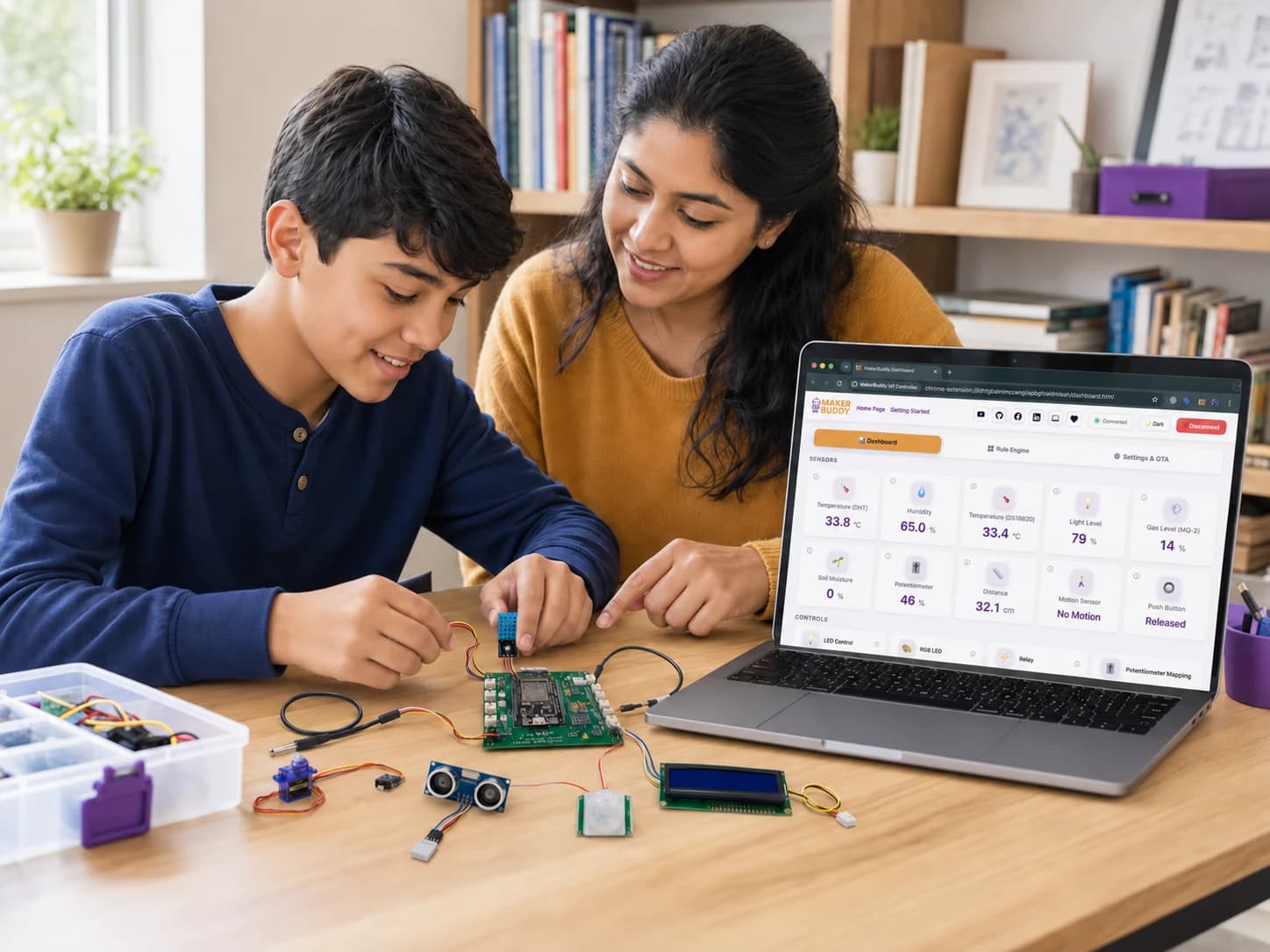
Your child uses a screen, but the fun happens on the table. They plug in a sensor: a part that measures things like heat, light or distance. They watch its number change on the screen. Then they make a light, a motor, a buzzer or a small screen react.
The 32 lessons grow with your child, in three stages:
Buttons and sliders (Lessons 1 to 20)
Your child switches lights and motors from the dashboard, a screen of buttons and sliders in the web browser. Each new part gets its own lesson.
If-then rules (Lessons 21 to 32)
They build rules from menus, like “if the soil is dry, sound the buzzer”. The board saves the rules and runs them by itself, even after it is switched off and on.
Real code, if they want it (after the lessons)
The lessons do not teach programming. Later, your child can write real code for the same board, with its free open-source software.
Try it now. Build the kind of rule your child will make, then move the slider and watch what happens.
Six parts are built into the board: two lights, a button, a light sensor, a buzzer and a knob. Lessons 4 to 8 use only those, so your child gets to “it works!” fast.
Your child learns that they can look inside technology, change it and make their own.
Projects rarely work the first time. Each mistake shows what to fix next. Your child learns to test, fix and try again.
Each project mixes a little logic, a little electronics and reading numbers. These are the basics behind robots and smart home gadgets.
Look at the ideas together and let your child choose. Some help at home, like a plant reminder. Some are just for fun, like a motion alarm. None of them needs code.
The board's blue light turns on by itself when the room gets dark. Try a few dark levels, and find out why the best level changes from room to room.
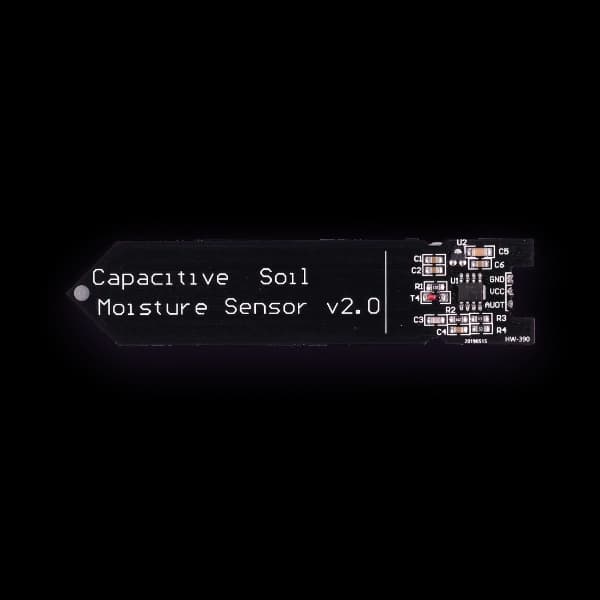
Set "dry" and "wet" with the soil sensor's calibration. When the soil gets too dry, a light or a beep reminds you to water the plant.
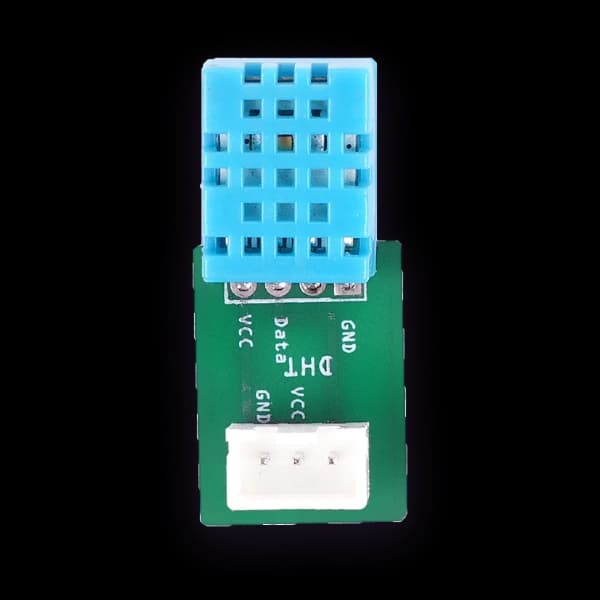
Read the room temperature on the dashboard. Write it down every hour for a day, and look for changes caused by sun or open windows.
A crossing light shows red, yellow, then green, each for a set time, and beeps when it is safe to cross. Do it by hand on the dashboard first, then as an automatic rule.
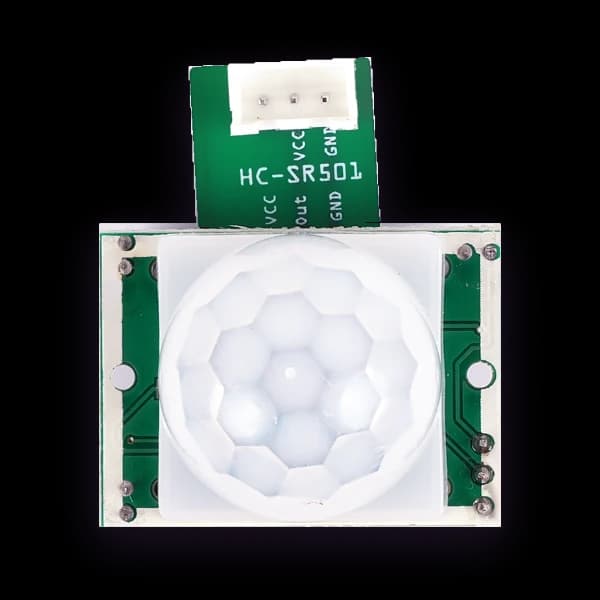
When the motion sensor sees movement, the buzzer sounds and the blue light flashes. Walk past it to find out how far away it can see you.
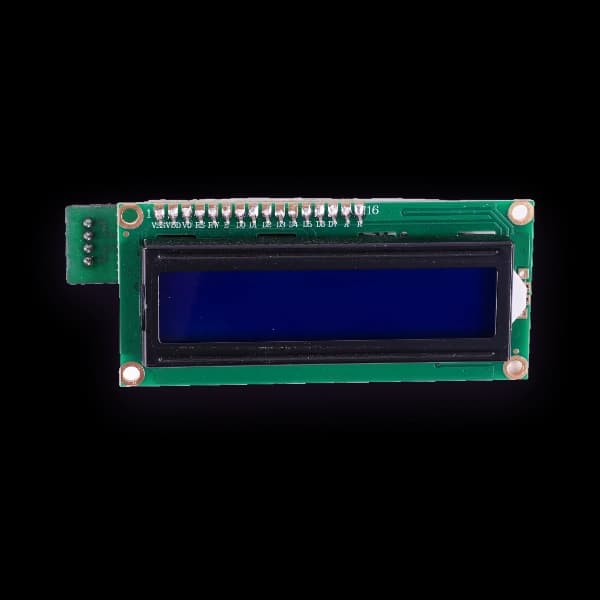
When the motion sensor sees you, the text screen shows a happy face and the buzzer beeps hello. When nobody is near, a second rule shows a sad face.
Bigger builds. These two finished builds have step-by-step photo guides on Hackster.io.
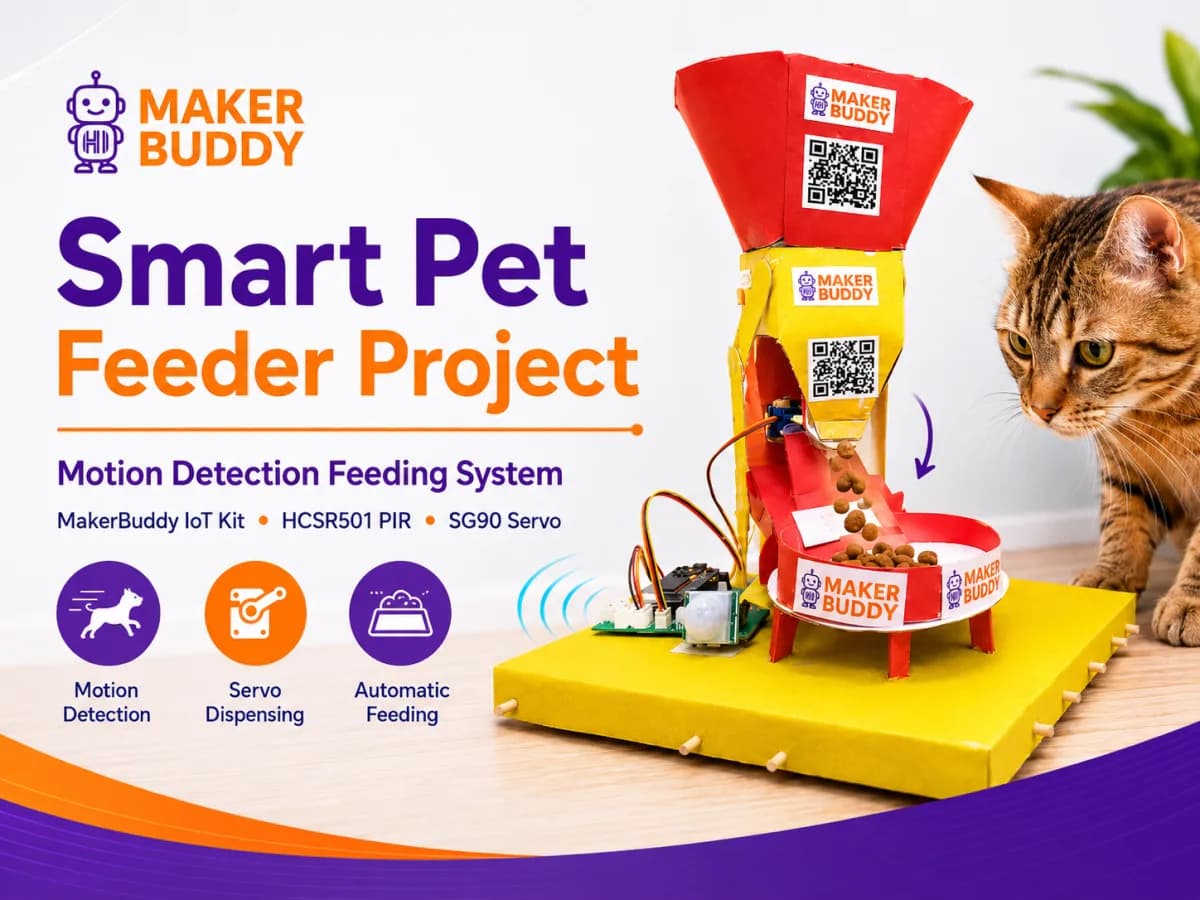
When the motion sensor sees your pet, the servo opens and lets out a small portion of food.
Step-by-step guide for the Smart Pet Feeder (opens Hackster.io in a new tab)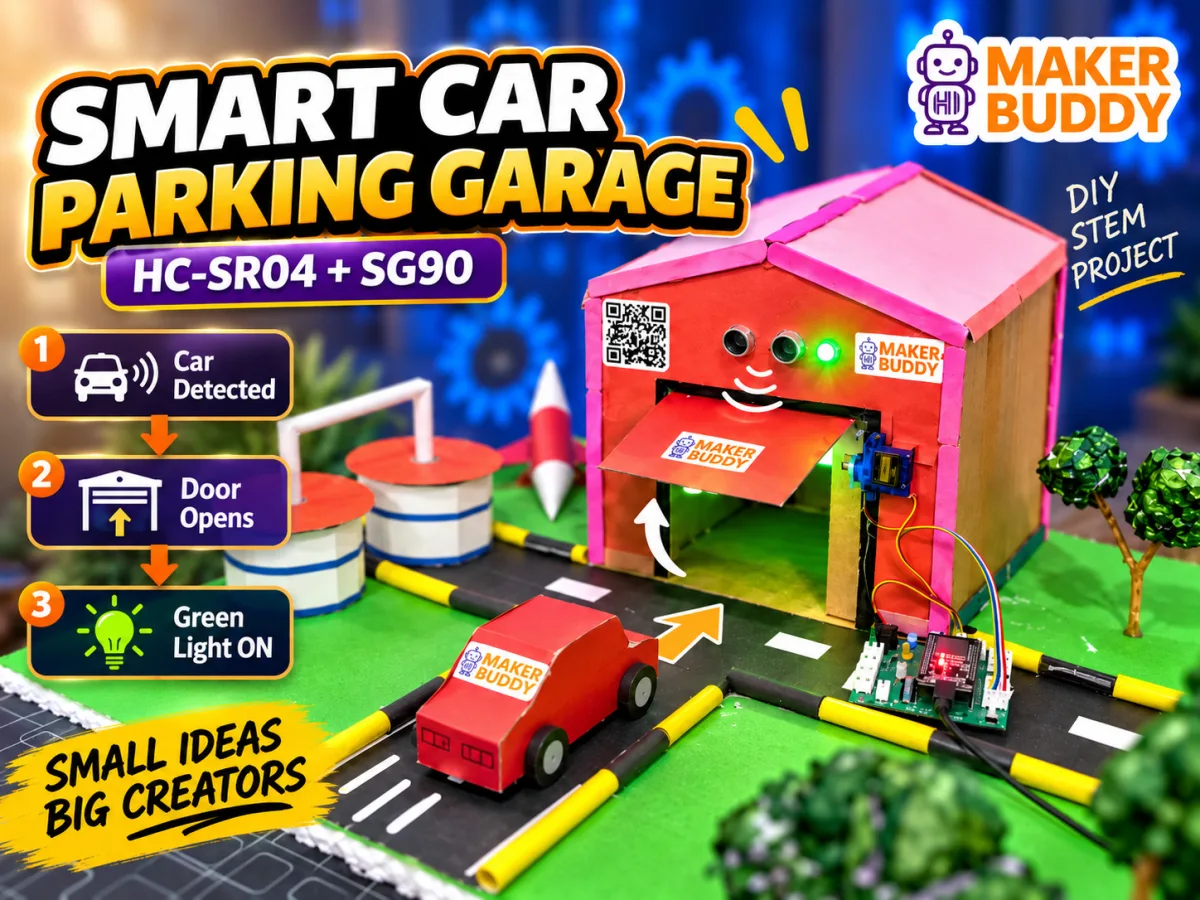
A sensor spots an approaching car, the servo opens the garage door, and the board shows when it is clear to drive in.
Step-by-step guide for the Smart Car Parking Garage (opens Hackster.io in a new tab)Another bigger build watches a room's temperature and movement together. Find it as “Baby Room Monitor” among the 50 project ideas.
Every kit is the MakerBuddy IoT Kit V1.0. Here is the whole kit in one photo.
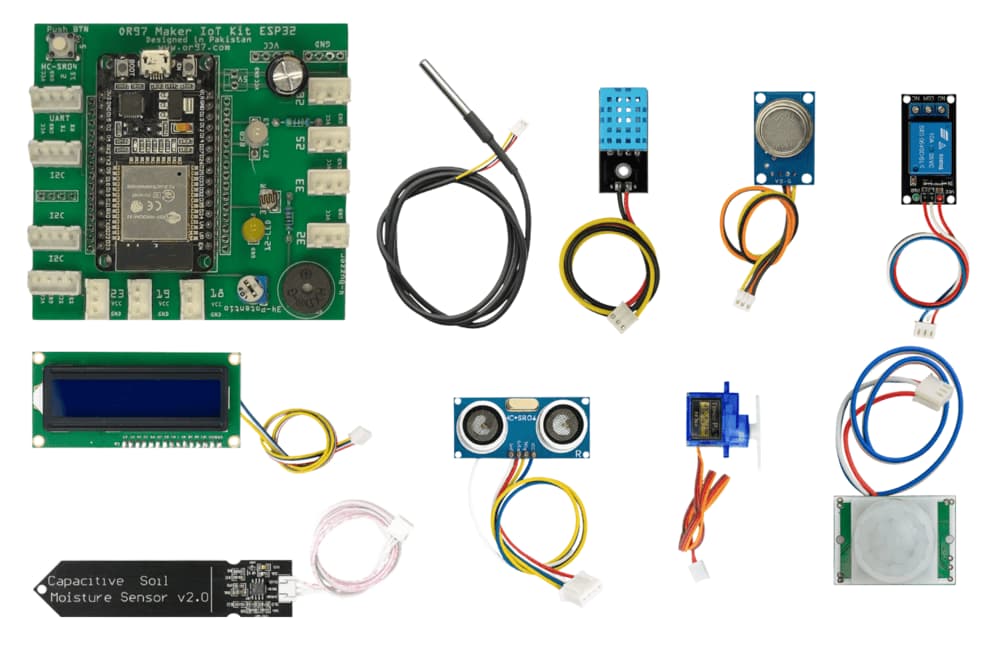
The board comes in purple or green. Both colours are the same board.
The photo also shows cables, a small bulb, a small motor with a fan blade, craft sticks and a screwdriver. Ask us which of these come with your kit.
Here is every part, what your child can make with it, and the lesson that teaches it.
Besides the kit, have these ready. Tick them off as you go.
The first setup, done once. Lesson 3 walks you through it.
Power the board
Plug it into a USB charger or a computer. A new board makes its own Wi-Fi network, called MakerBuddy_XXXX.
Join that network
Use your phone or computer. The password is 12345678. Then open http://192.168.4.1.
Pick your home Wi-Fi
A grown-up types its password. Give the board a name, such as makerbuddy-01.
Connect
The board restarts and joins your Wi-Fi. Open the dashboard and type the board's name.
The lessons are free web pages, with pictures, a short “Did you get it?” check and a “Try it” demo in the browser. The demo works with no kit.
Start with Lesson 1. Lesson 3 is the first setup. In Lesson 4, your child switches a light on from the screen. You can try its demo together tonight, even before the kit arrives.
Ask for a guess first
“What do you think the sensor will show?”
Let the first version be rough
A cardboard model that works is real progress.
Change one thing at a time
Then, if it stops working, you know what caused it.
Praise the explanation
Knowing why it works matters more than making it look perfect.
Ask for version two
“What would you change next time?”
In Pakistan, one kit costs PKR 40,000.
Ordering in Pakistan, step by step:
Order
Fill in the form on the Get the kit page. The bank details appear straight away.
Pay
Send a bank transfer to OR97's UBL account. Type your order number in the reference box.
Send the receipt
By email or WhatsApp.
Get the kit
We check your payment, call you to agree delivery, and send the kit.
Questions before you buy? Email info@makerbuddy.cc or call +92 332 3336797. You can also join our WhatsApp Community (opens in a new tab).
Make something together
Pick a first build with your child. When they ask “what if…?”, make that the next project.
Try a ready-made rule:
Your rule
Ifis%,then.
Drag the slider. It stands in for a real sensor reading.
What the board does
The rule is waiting. Blue light: Off.
The light level is 60%. That is not below 20%, so the rule does nothing yet.
This is a model of the idea. On the kit you build the same rule in the dashboard's Rule Engine. Lesson 26 builds rules like this.
Showing all 15 parts.
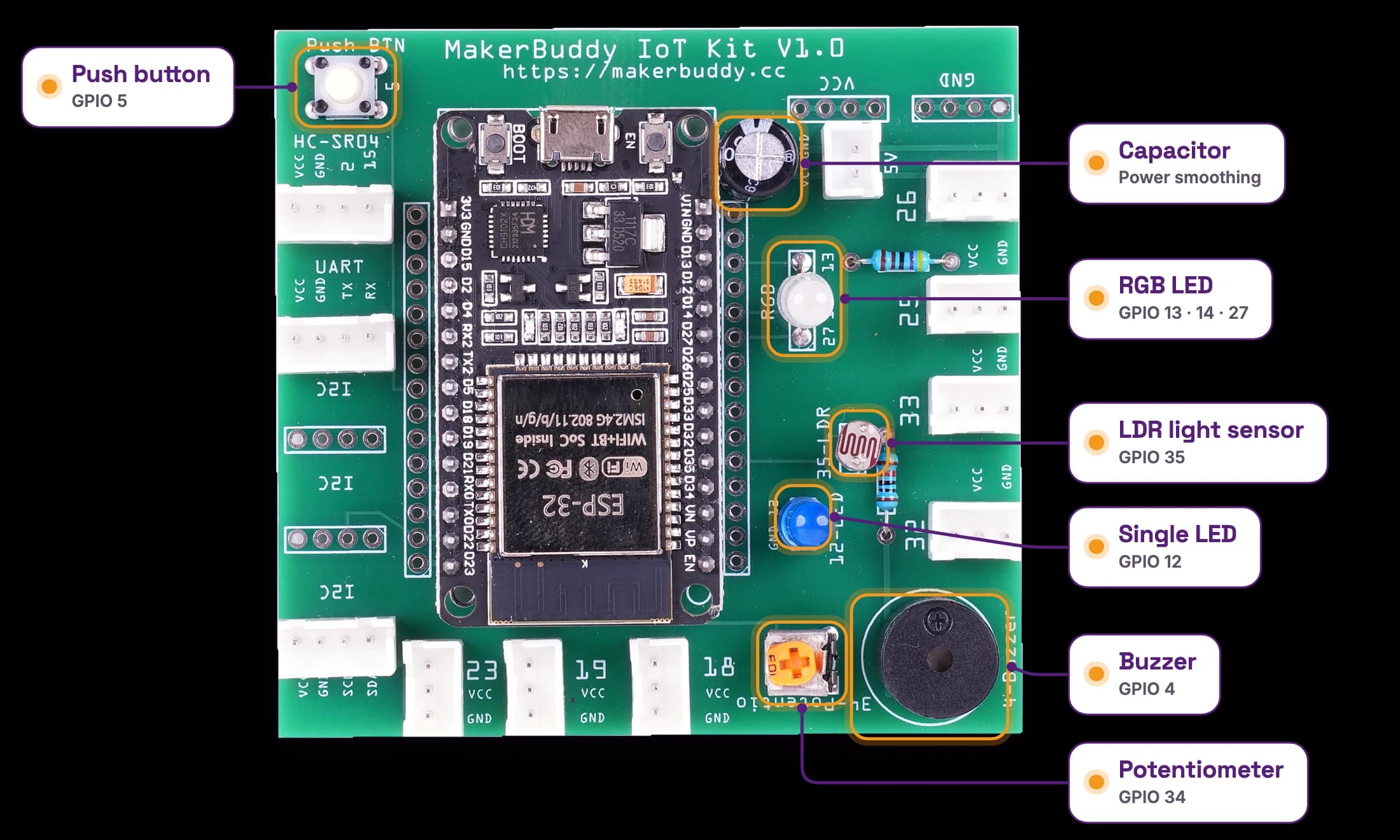
These work as soon as the board has power. Nothing to plug in.
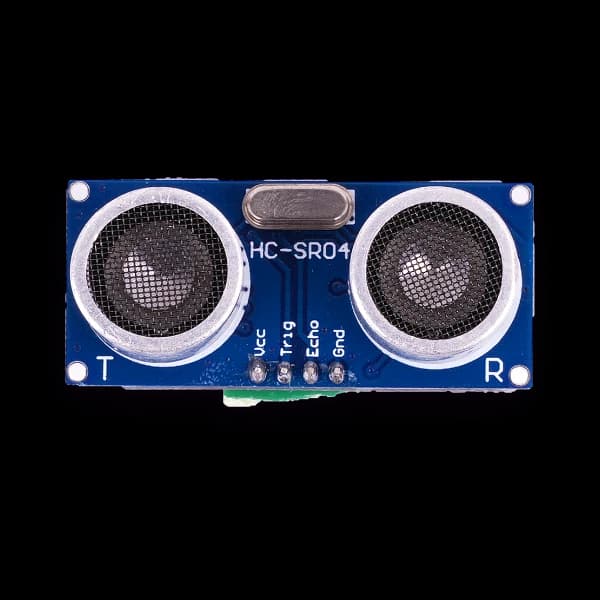
The brain is a small Wi-Fi computer (an ESP32) on the same board. The plug-in parts go into labelled sockets, and most plugs fit only one way. The distance sensor and the text screen use four wires, matched by name.
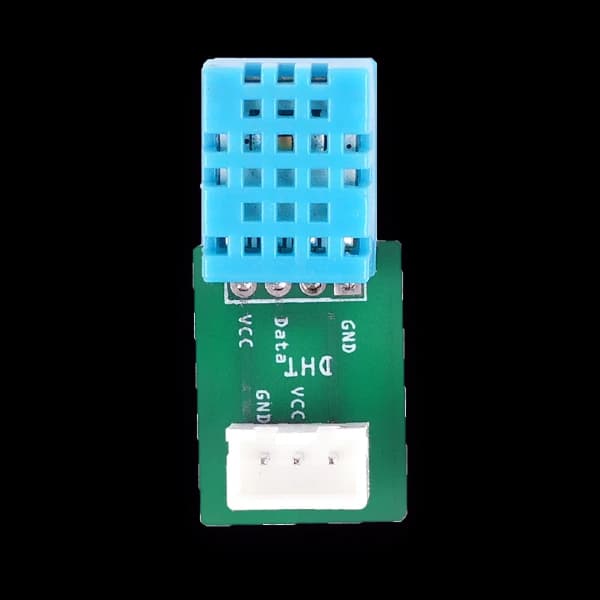
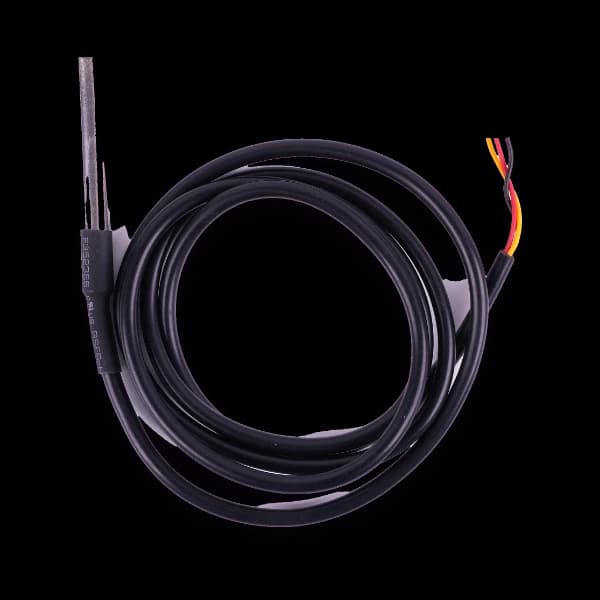
They sense temperature, humidity, distance, movement, smoke or gas, and soil moisture.
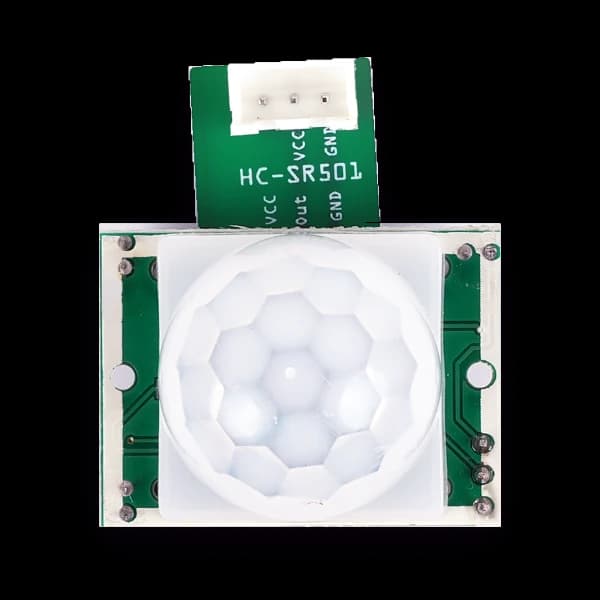
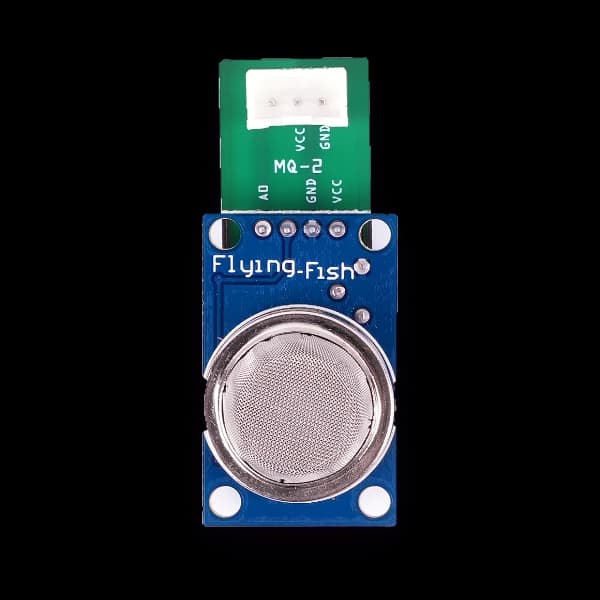
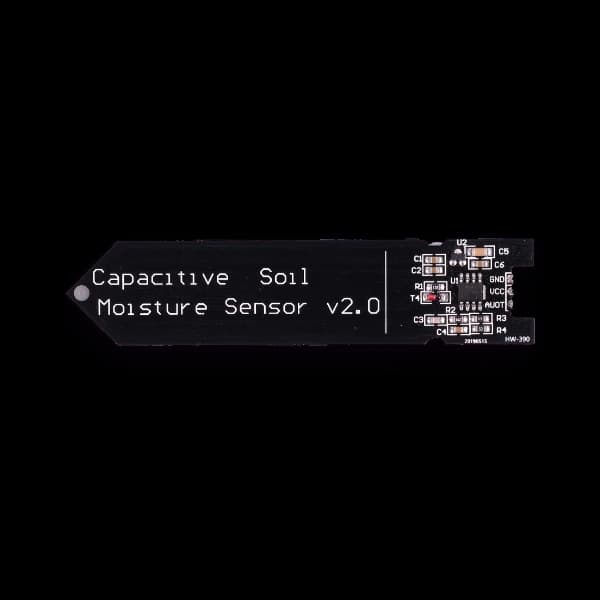
They move, switch or show something.
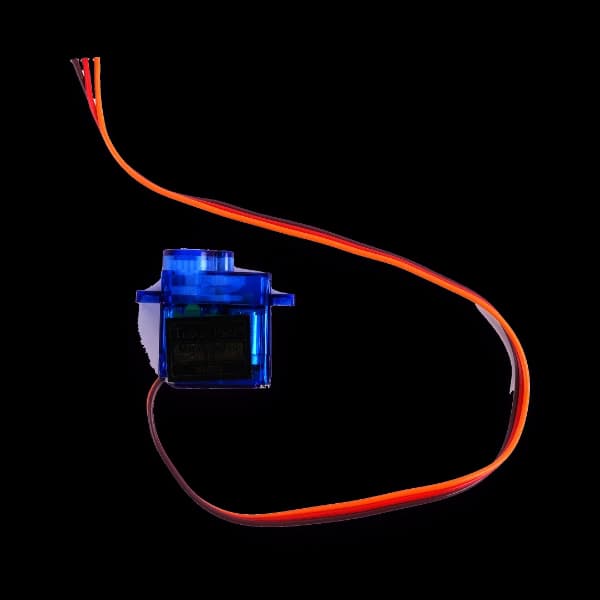
Ideas: Parking gate, clothesline, moving character
Taught in lesson 14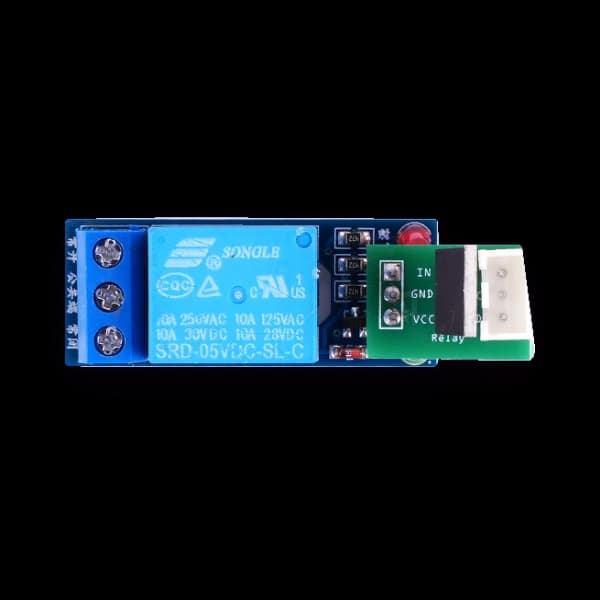
Ideas: Small fan or bulb that turns itself on (low-voltage only)
Low-voltage things only. Never connect mains electricity.
Taught in lesson 15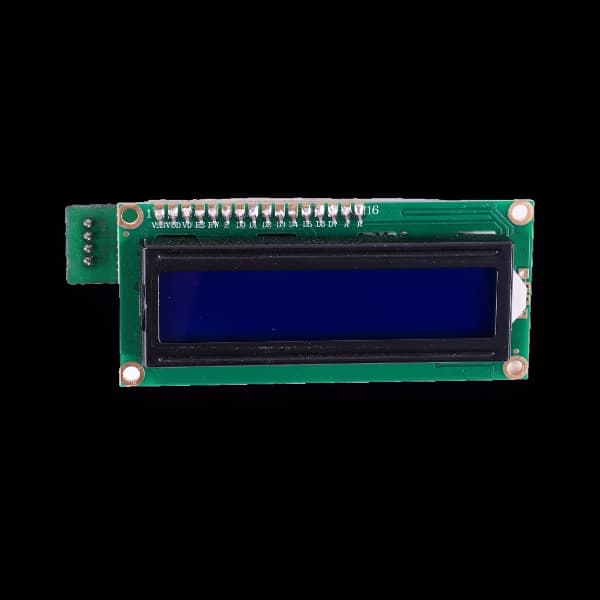
Will it work on your home Wi-Fi?
Answer four quick questions. The panel tells you what is ready and what to do first.
1.Is your home Wi-Fi 2.4 GHz?
Most routers and most phone hotspots offer 2.4 GHz. The board cannot join a 5 GHz network.
2.Does it join with just a network name and password?
No sign-in web page (a captive portal) and no username (enterprise Wi-Fi).
3.Will the board and your computer, tablet or phone be on the same network?
The dashboard talks to the board over your own Wi-Fi, not over the internet.
4.Which devices will you use?
Pick all that apply.
What MakerBuddy needs
Internet is needed only to open the web app or install the extension. Readings and commands stay on your network.
Test a device before the day: open the dashboard and type demo as the device name to see sample data with no board.
Plan the 32 lessons at your pace
Pick how many lessons a week suit your family. Add a start date to see real dates.
Lessons a week
32 weeks for all 32 lessons, at 1 a week.
About 24 to 32 hours in all (45–60 minutes a lesson).
Pick a start date to see when each step falls.
Lessons 1–8
Weeks 1–8
Do this one together: A grown-up types the Wi-Fi password.
Lessons 9–16
Weeks 9–16
Safety rule: Keep fingers clear of the motor's arm.
Safety rule: Low-voltage things only. Never mains electricity.
Lessons 17–24
Weeks 17–24
Do this one together: The sensor gets hot. An adult does the test, never with flames.
Safety rule: Only the sensor's blade goes into soil or water.
Lessons 25–32
Weeks 25–32
Do this one together: An adult does the gas test. It is a model, not a real alarm.
Safety rule: Keep fingers clear of the gate arm.
How many kits for your family?
Kits
You are planning 1 kit for PKR 40,000.
You pay by bank transfer after you order.
Outside Pakistan? Kits are USD 200 each. Pick your region above and we send a written quote with delivery.