Skip to content
MakerBuddy
MakerBuddy IoT Kit V1.0 is open-source on GitHub

Build. Learn. Innovate with MakerBuddy.

A STEM hardware & software startup empowering the next generation of makers, engineers, and innovators. Snap-in IoT kits, a no-code web platform, and hands-on curriculum — no messy wiring required.

No wiring
Plug & play
2 min
To first project
Ages 10+
Beginner to pro
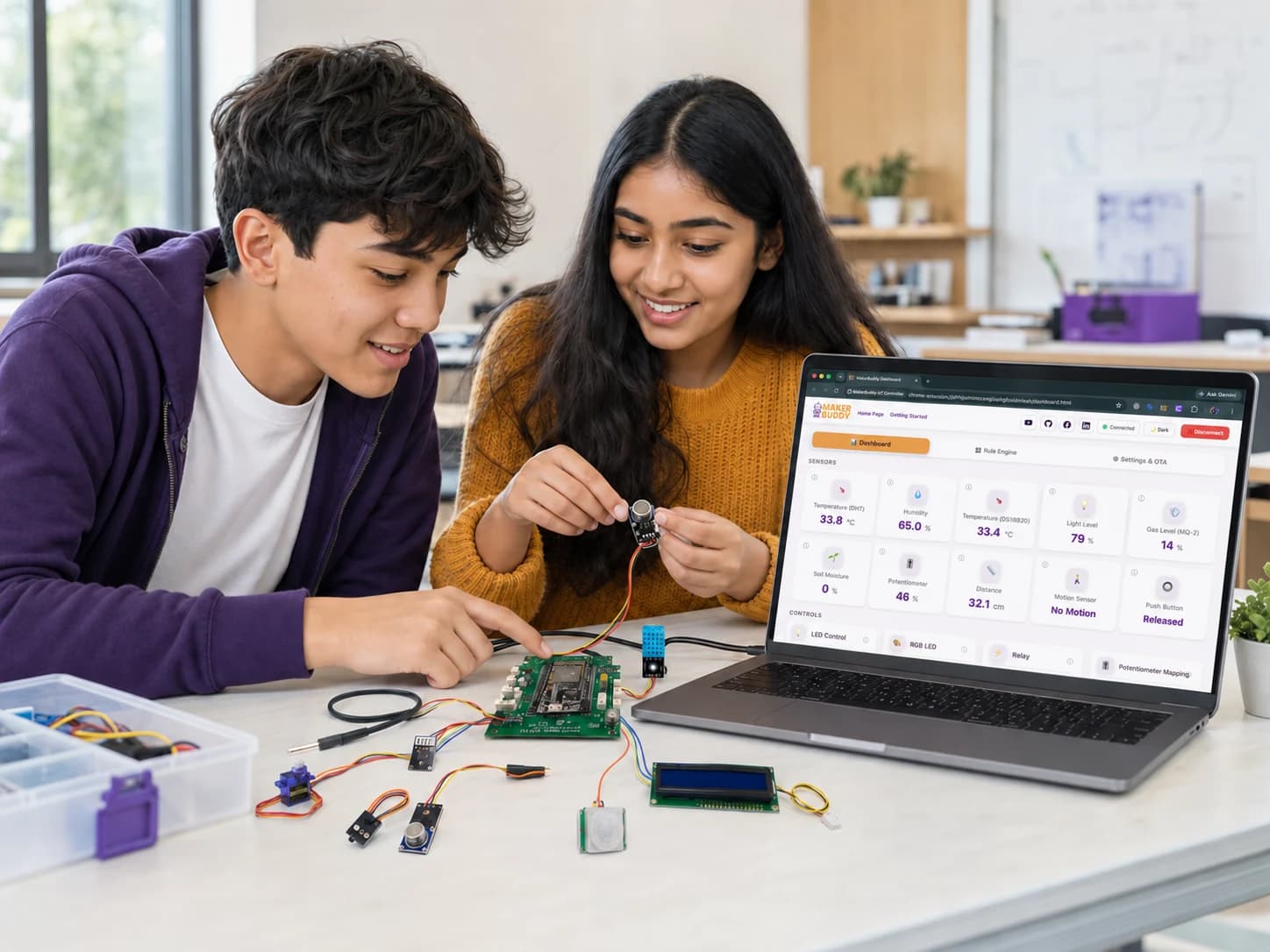
MakerBuddy web dashboard showing live sensor values in the latest interface
32-week
STEM curriculum included
10+
Plug-and-play sensors & actuators
Ages 10+
Designed for beginners to pros
100%
Open-source firmware & docs
The MakerBuddy Difference

We removed everything that makes electronics frustrating

Traditional kits spend 40 of every 45 minutes debugging wires. MakerBuddy flips that — students spend their time building and learning.

The old way

  • Messy, fragile wiring

    Loose breadboard connections and spaghetti wiring confuse students and eat up valuable class time.

  • Fried components

    Bent pins and burnt-out sensors from wrong connections mean recurring costs for schools.

  • Painful software setup

    Installing drivers and libraries across 30 classroom computers is a non-starter for most teachers.

The MakerBuddy way

  • Snap-in connectors

    Keyed ports only fit the right way. Build in seconds — no wiring diagrams, no shorts.

  • Burn-proof & protected

    Stable power and protection circuitry keep shared kits alive through years of curious hands.

  • Zero-install dashboard

    The web app runs in any browser over local Wi-Fi. Nothing to download, nothing to configure.

Latest projects

Real builds. Complete instructions.

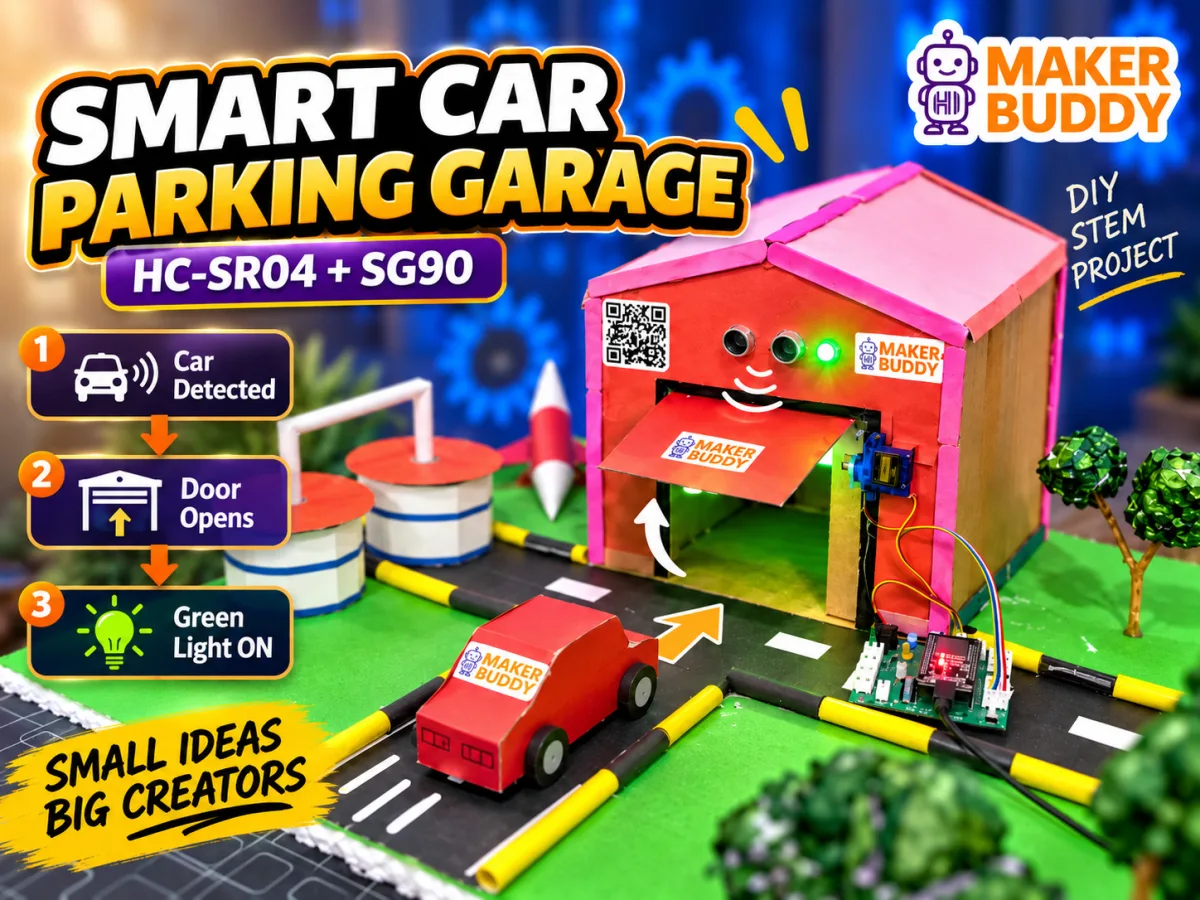
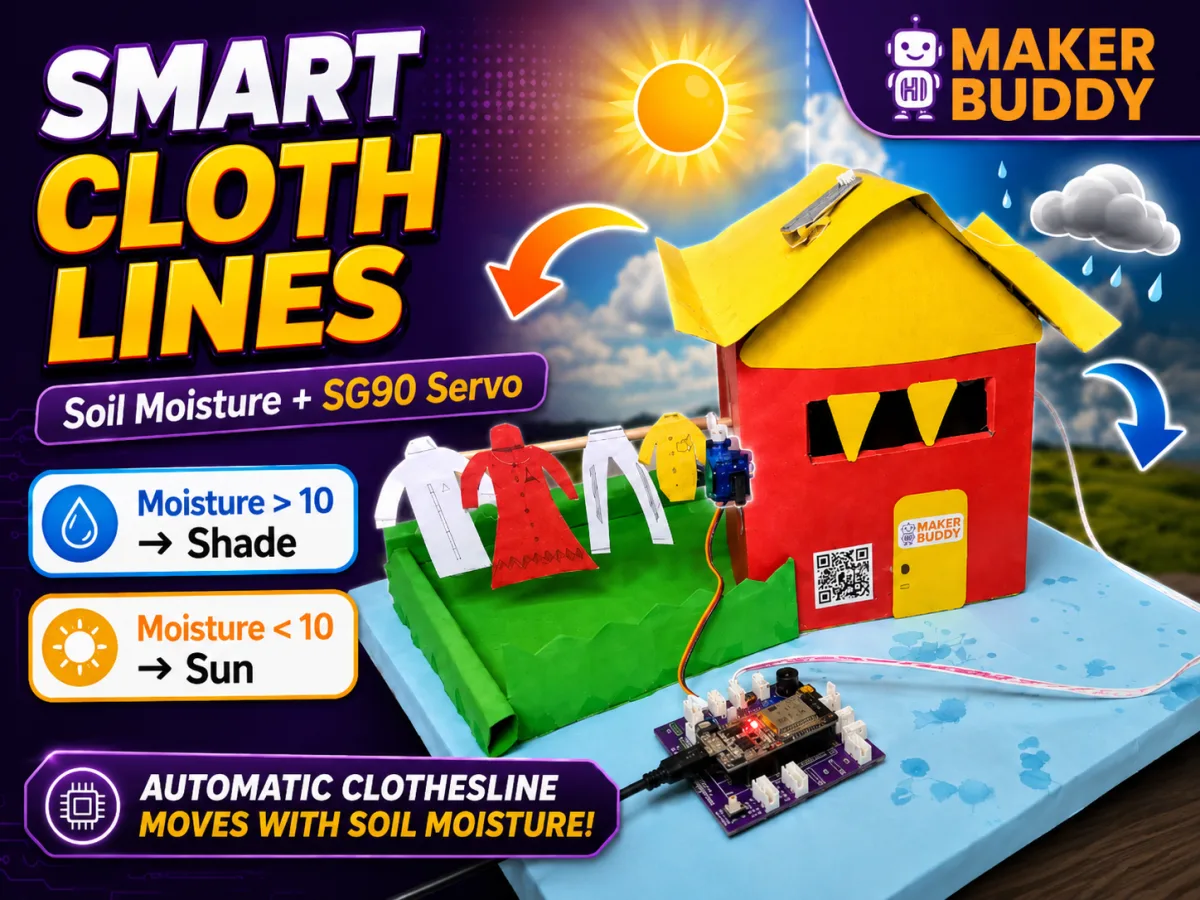
See what makers are building with MakerBuddy, then open the full Hackster.io tutorial and create your own version.

What We Build

One ecosystem for hands-on STEM

Most kits give you parts. MakerBuddy connects hardware, software, and learning into a single beginner-friendly loop — so skills compound instead of stalling at the wiring stage.

The MakerBuddy IoT Kit and web dashboard connected with code and learning resources in one continuous ecosystem

STEM Hardware Kits

An all-in-one ESP32 board with onboard and modular sensors. Snap components in like building blocks — no breadboards, no loose wires, no fried pins.

No-Code Web Platform

A browser dashboard that runs over local Wi-Fi. Read live sensor data, control actuators, and build automations — no installs, no internet required.

Robotics & Automation

Drive servos, relays, and motors, then teach your build to react on its own with a visual rule engine. Real robotics, minus the intimidating setup.

Hands-On Curriculum

A 32-week project-based course with lesson plans, guides, and teacher resources — classroom-ready and completely free for educators.

Coding & Software Tools

Start code-free on the dashboard, then graduate to real programming with documented examples, firmware, and open APIs as confidence grows.

Workshops & Community

Open-source design files on GitHub plus an active maker community running events, Discord, and workshops for schools and clubs.

Products & Solutions

Hardware and software, built to work together

Everything a learner needs to go from idea to working invention — the board, the sensors, the dashboard, and the lessons.

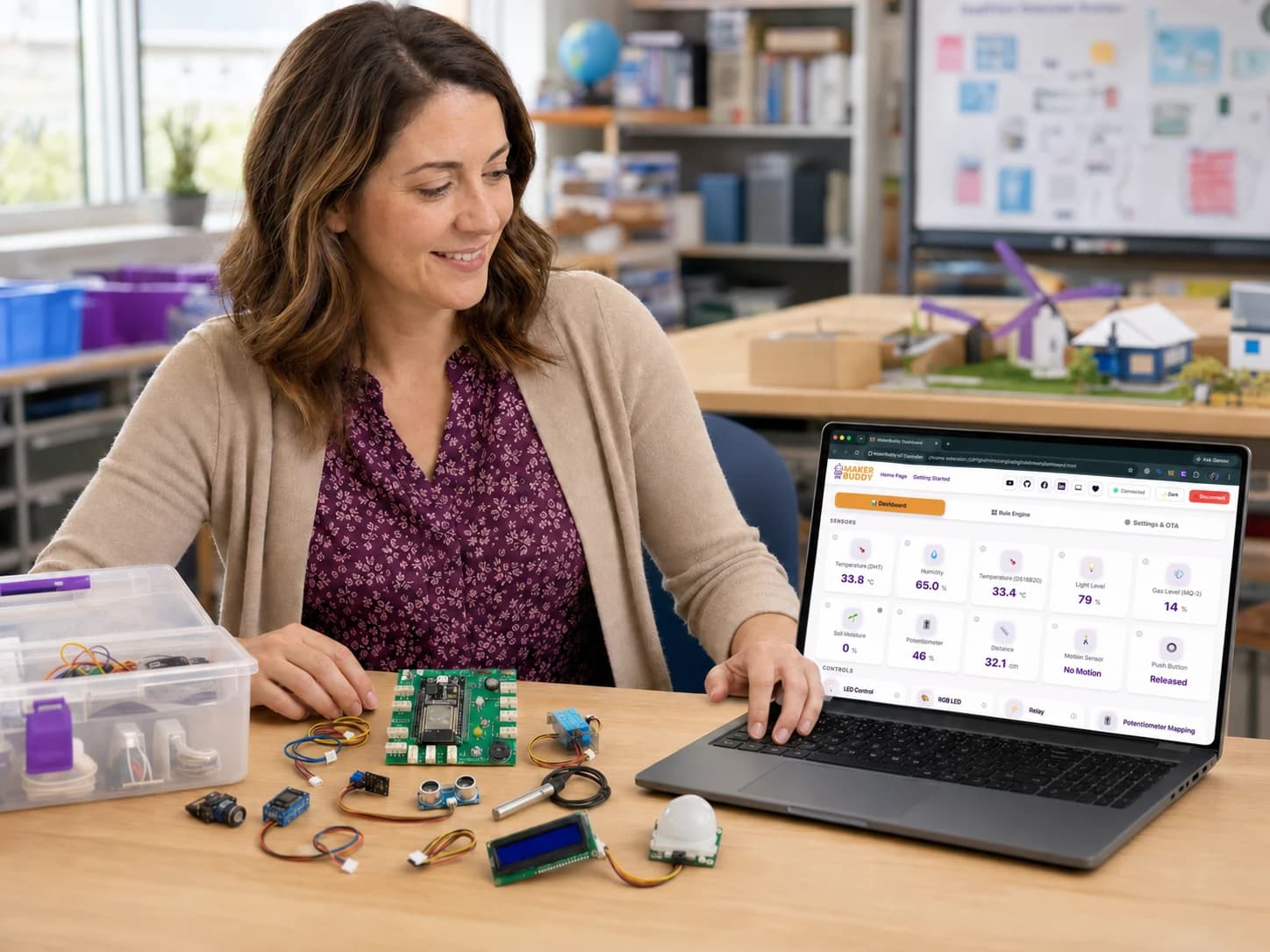
MakerBuddy IoT Kit with ESP32 board and a full set of plug-and-play sensors and actuators
Flagship Hardware

MakerBuddy IoT Kit V1.0

An ESP32-powered learning board with built-in sensors and snap-in connectors for temperature, motion, gas, distance, soil, light, servos, relays, and more.

  • No wiring required
  • Burn-proof & beginner-safe
  • Onboard + modular sensors
MakerBuddy web dashboard showing actuator controls in the latest interface
Software Platform

MakerBuddy Web Dashboard

A real-time control center in the browser. Watch live sensor cards, flip actuators, and design automation rules — all over local Wi-Fi with zero setup.

  • Runs in any browser
  • Works offline on local Wi-Fi
  • Visual rule engine
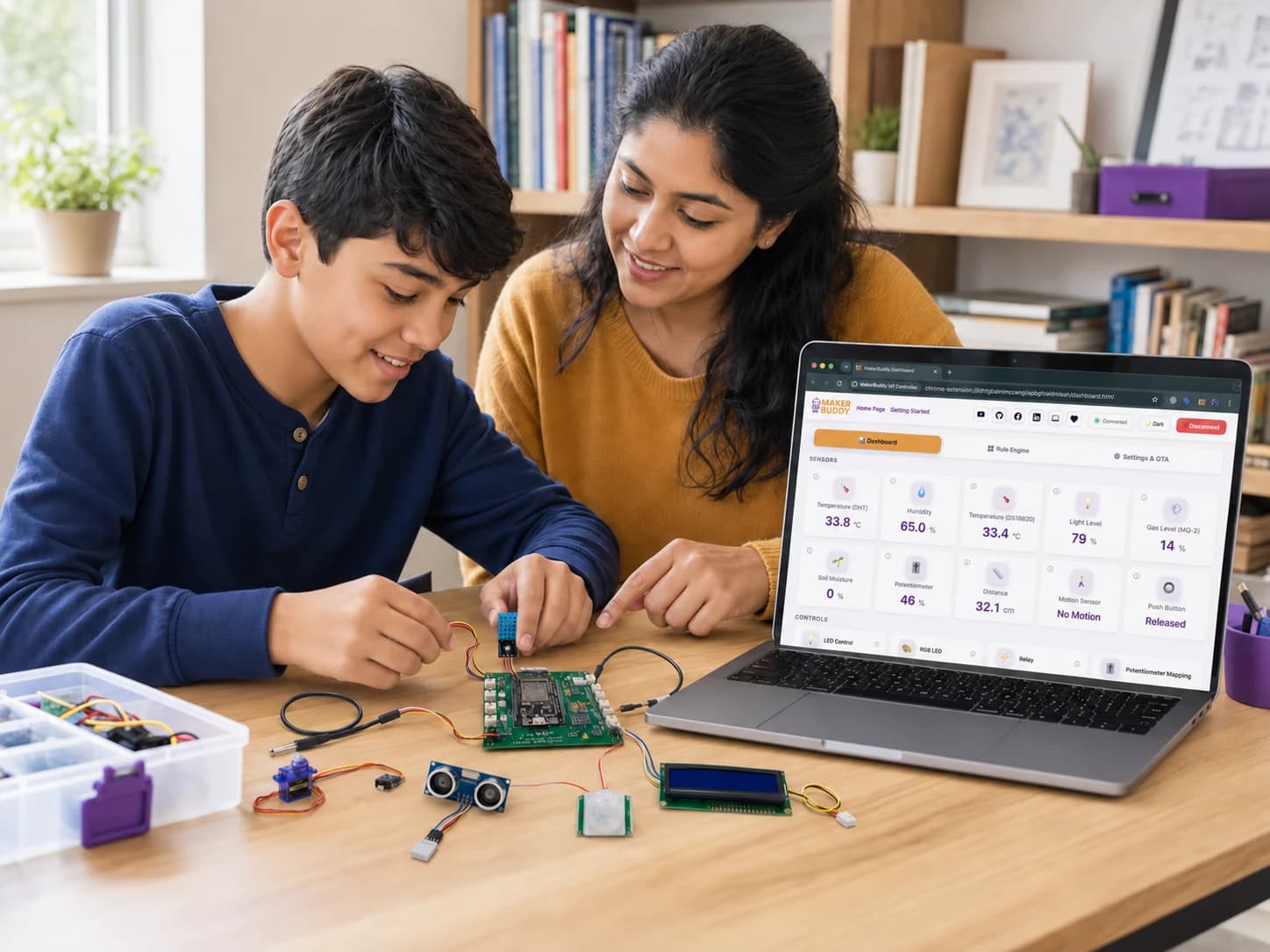
A child using the MakerBuddy IoT Kit beside a laptop showing the MakerBuddy Dashboard
Learning Resources

MakerBuddy Curriculum

A guided 32-week journey from first sensor reading to full IoT projects, with lesson plans, project ideas, and documentation built for the classroom.

  • 32 weeks of lessons
  • Teacher-ready guides
  • Project-based learning
How It Works

From unboxing to invention in four steps

No prior experience needed. MakerBuddy is built so the very first session ends with a working project.

  1. 01

    Choose a kit or program

    Pick the MakerBuddy IoT Kit for an individual, or a classroom pack with curriculum for a whole school.

  2. 02

    Snap in your sensors

    Plug components into keyed connectors and power up. You're connected in about two minutes — no setup, no drivers.

  3. 03

    Build with the dashboard

    Open the web app, watch live data, control devices, and create automation rules — code-free to start.

  4. 04

    Innovate & showcase

    Combine sensors into real projects, level up into coding, and share your inventions with the maker community.

What's In The Box

Exactly what arrives, in plain language

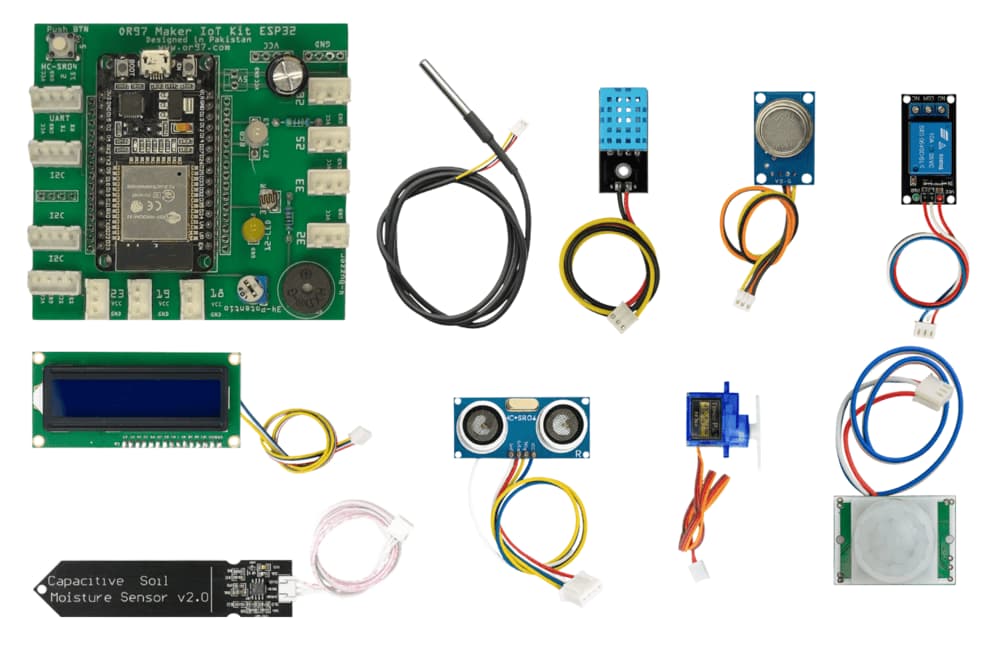
A sensor measures something in the real world. An actuator makes something happen. MakerBuddy gives you both, already prepared to plug in.

The board

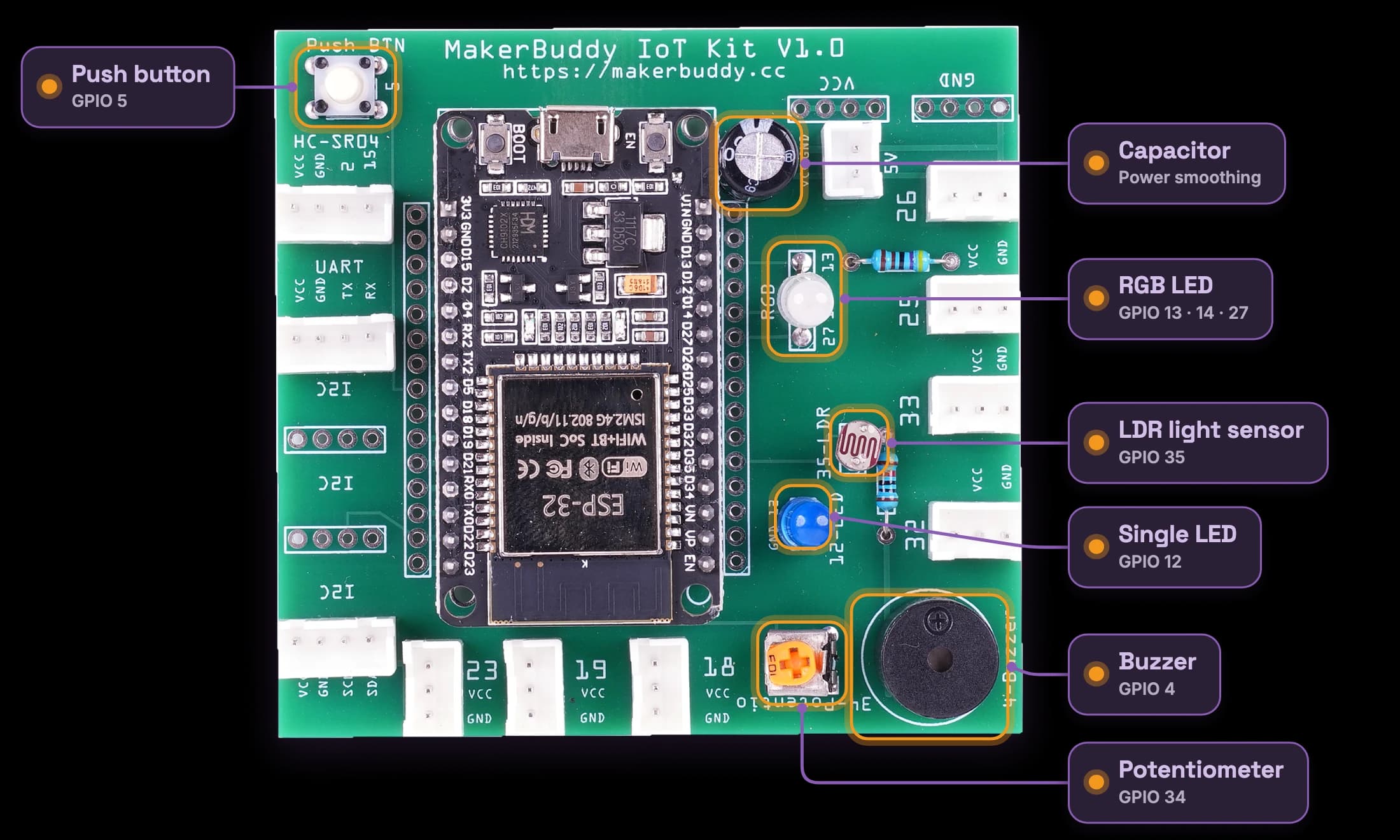
One ESP32 learning board

  • ESP32 dual-core controller with Wi-Fi and Bluetooth
  • USB-C power, regulated 3.3 V and 5 V rails
  • Labelled, keyed connectors for every supported module
  • Spare GPIO, I2C and UART points for going further

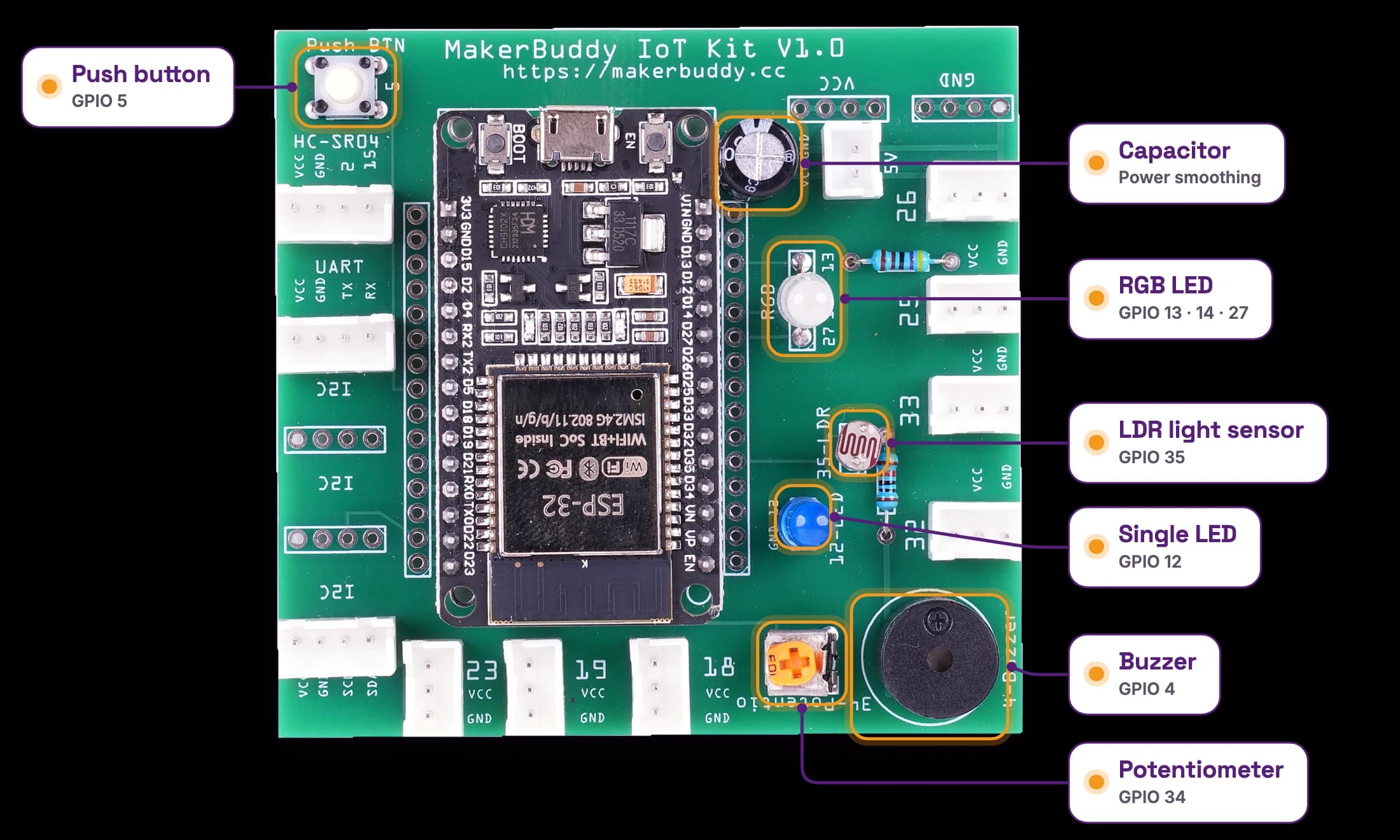
Built into the board

Working the moment you power up

  • Push button and rotary potentiometer
  • LDR light sensor
  • Single LED and RGB LED
  • Active buzzer

Sensors that snap in

The things your project can feel

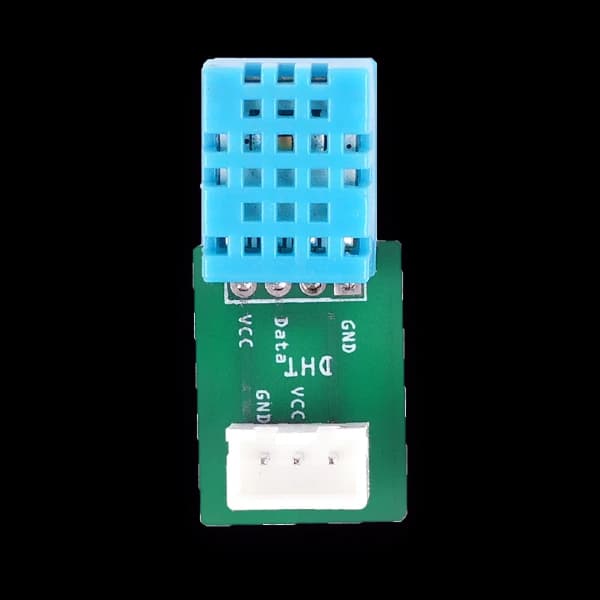
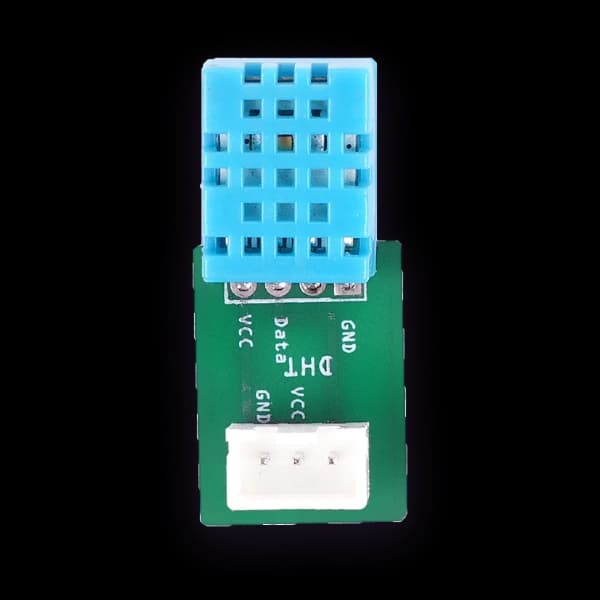
  • DHT11 — temperature and humidity
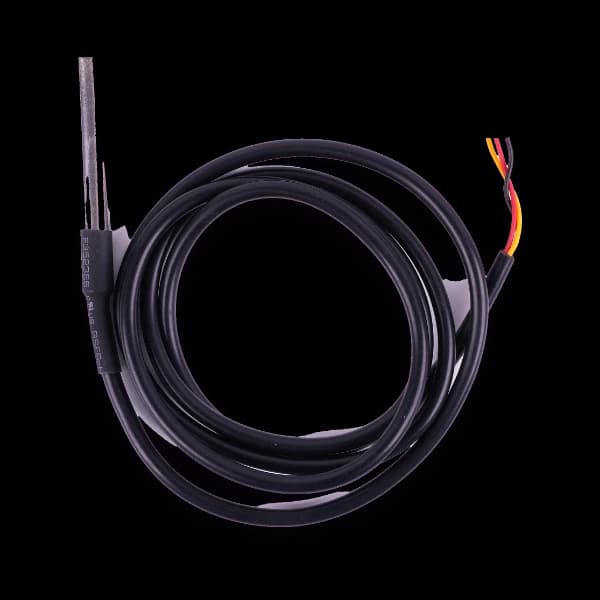
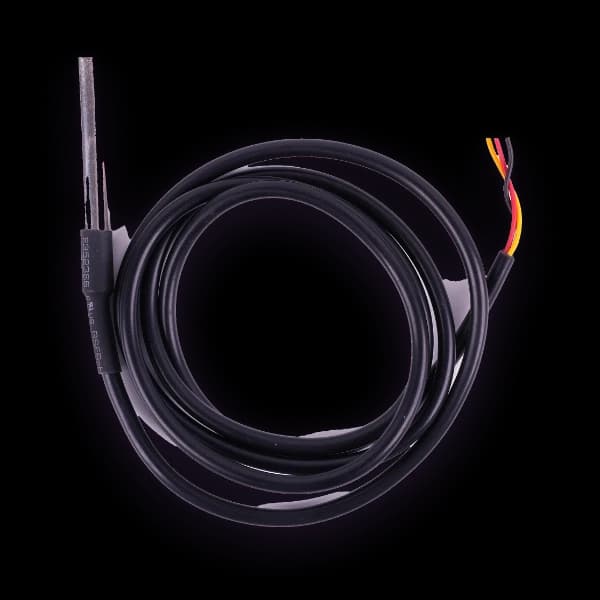
  • DS18B20 — precision temperature probe
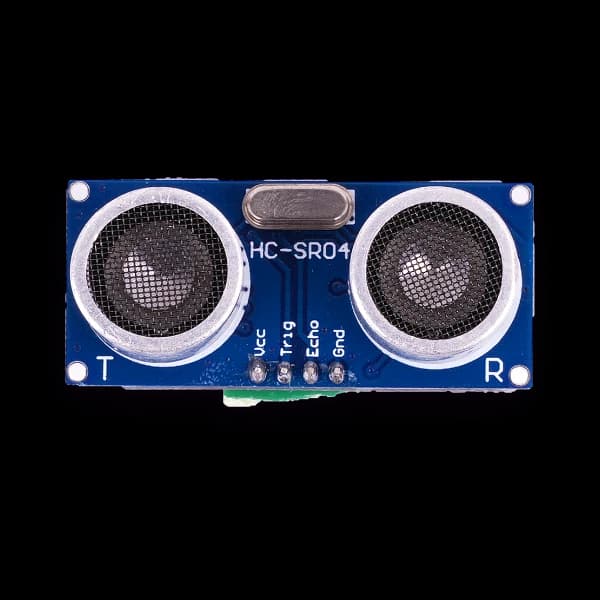
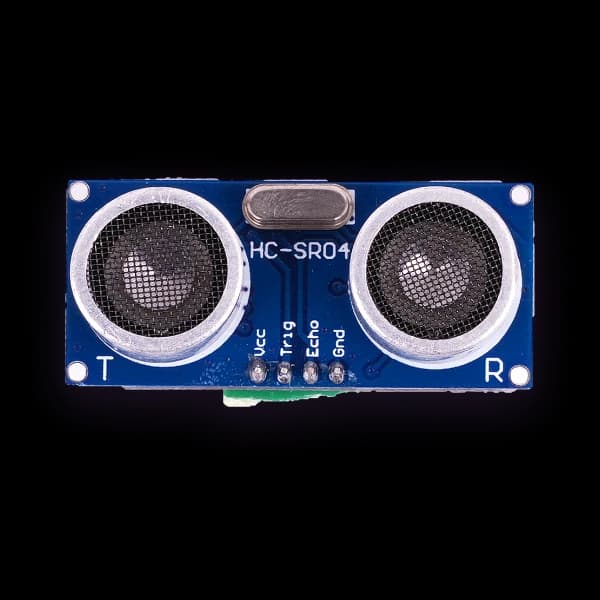
  • HC-SR04 — distance by ultrasound
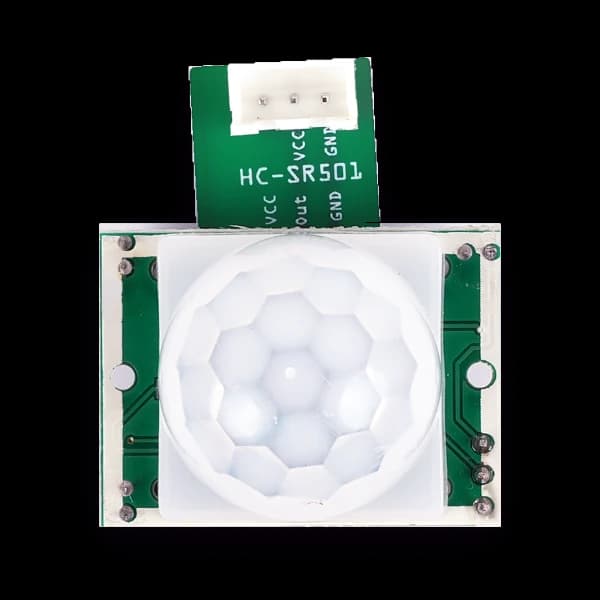
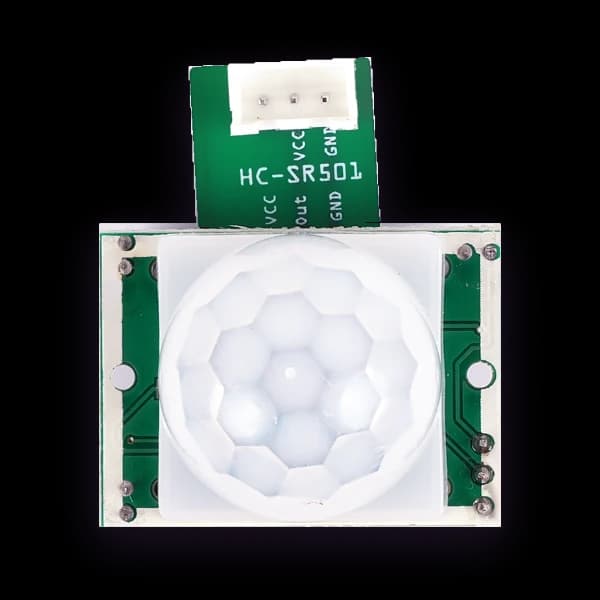
  • PIR — motion detection
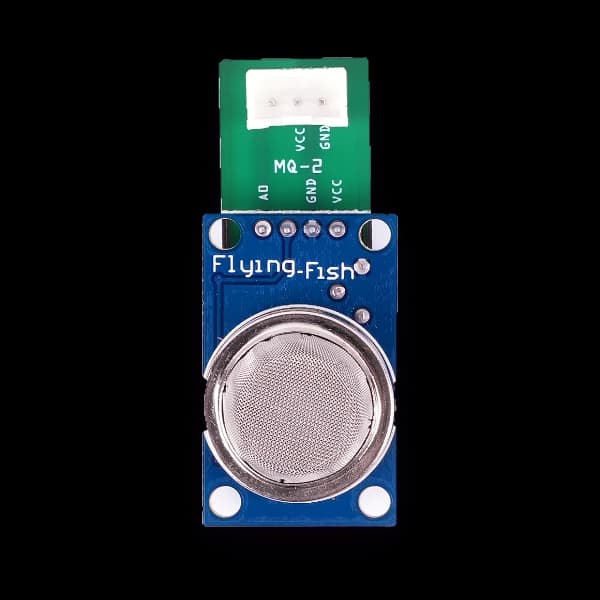
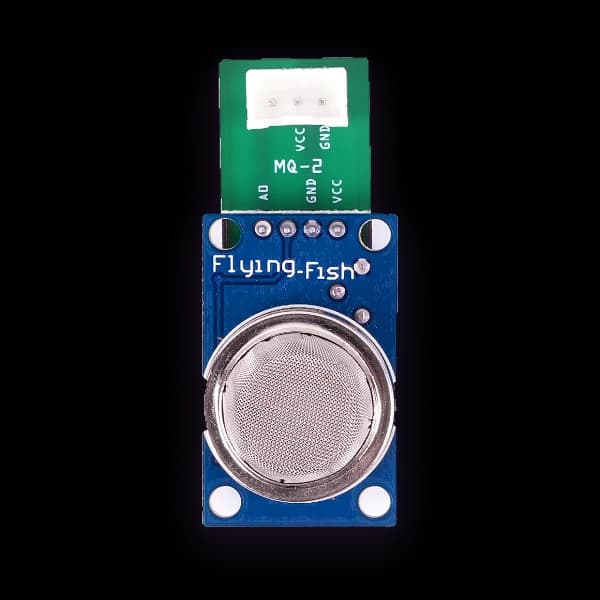
  • MQ-2 — gas and smoke
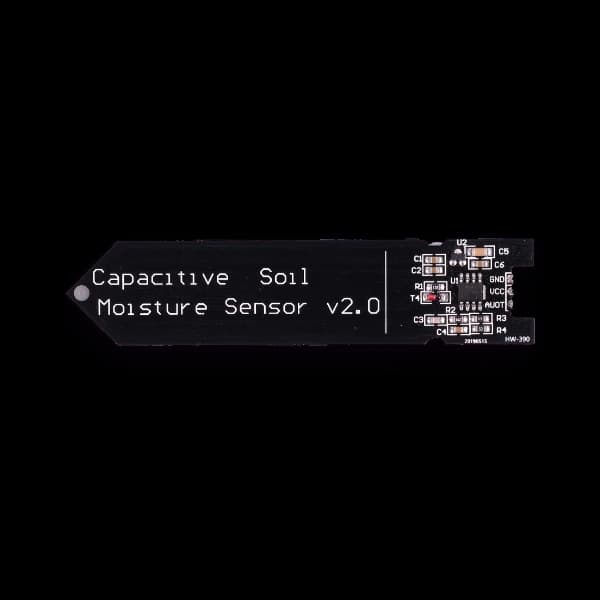
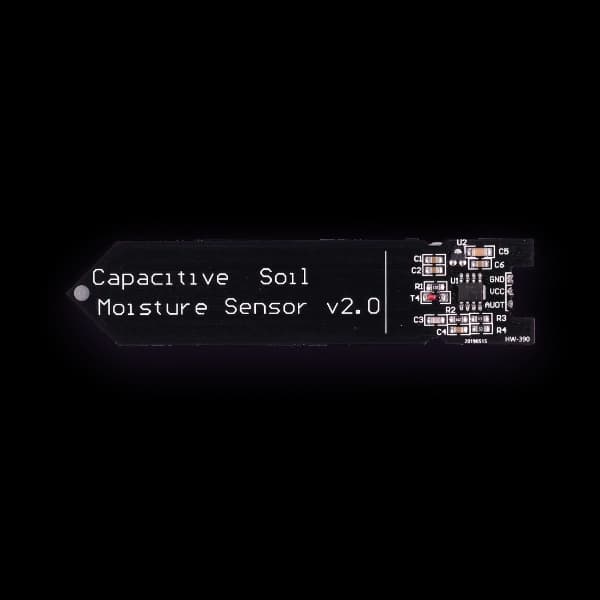
  • Capacitive soil moisture

Actuators that snap in

The things your project can do

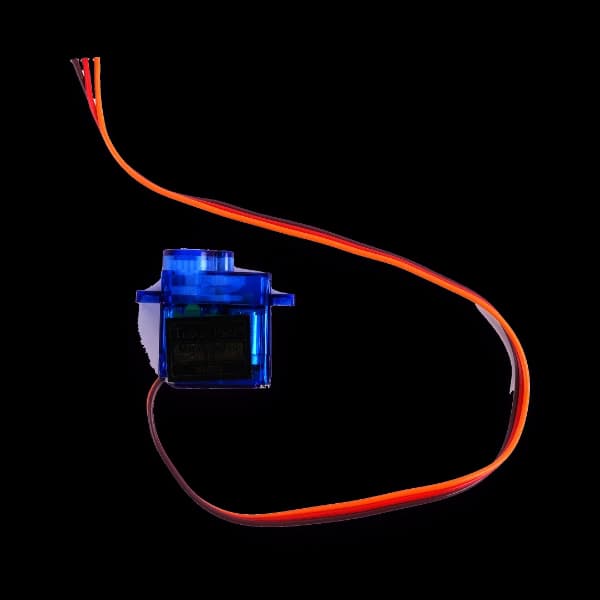
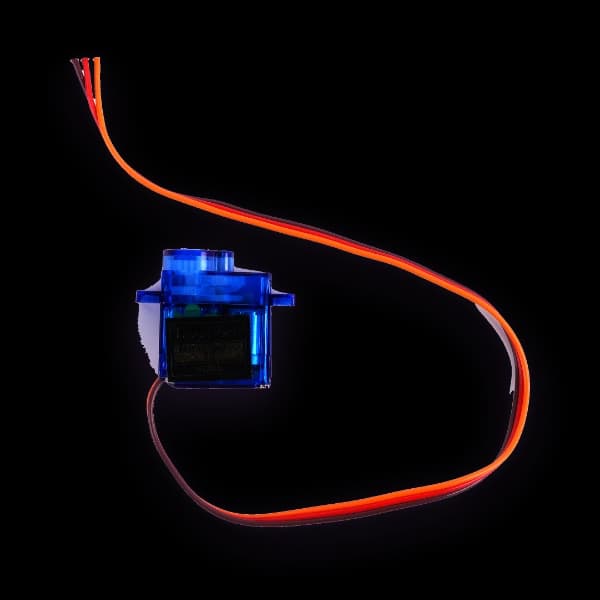
  • SG90 servo motor — movement and angles
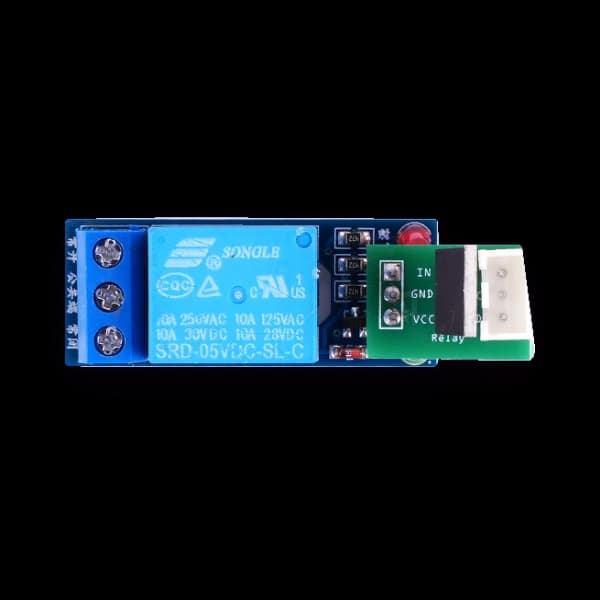
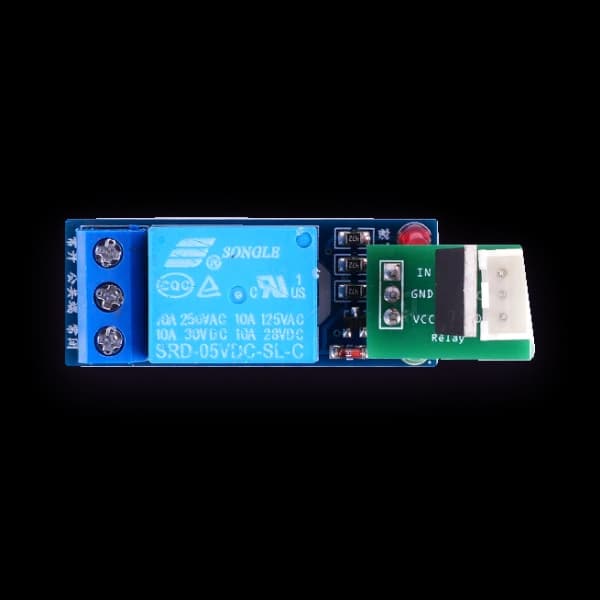
  • Single-channel relay — switching low-voltage loads
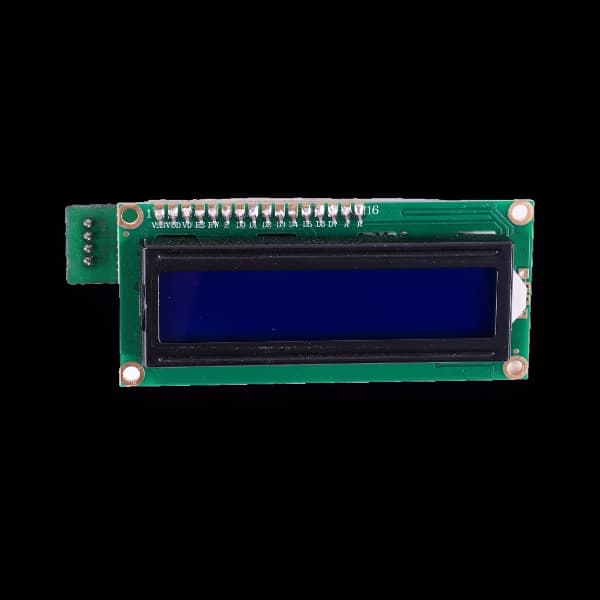
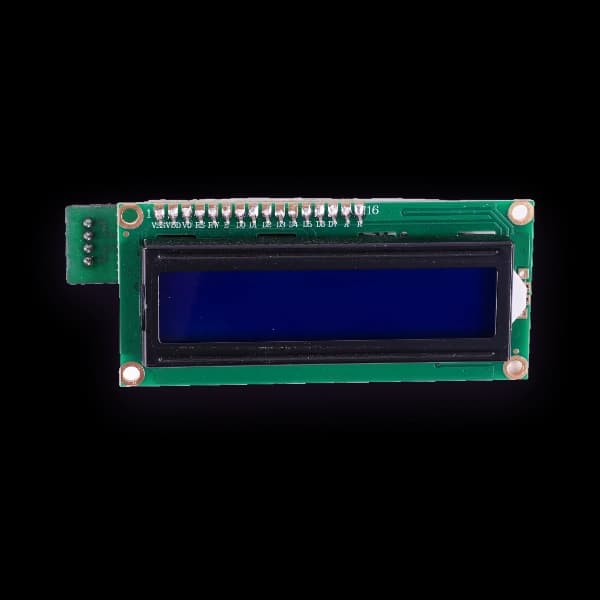
  • 1602 I2C LCD — on-device text display

What you need to add

Nothing you have to buy. This is the whole list.
  • A laptop, tablet or phone with any modern browser
  • A 2.4 GHz Wi-Fi network (a phone hotspot works too)
  • A USB-C cable and USB power source
  • No software installs, no accounts, no internet connection
The MakerBuddy IoT Kit laid out with its board, sensors and actuators

Package contents can vary by production partner — the full hardware reference lists every component, pin and interface.

Capabilities

Powerful enough for engineers, simple enough for kids

The same kit that introduces a 10-year-old to sensors can prototype a real IoT product. Here's what makes that possible.

Snap & Go, No Wiring

Keyed connectors mean components only fit the right way. Students build in seconds instead of debugging spaghetti wiring for 40 minutes.

Mission-Control Dashboard

Live sensor values, actuator switches, and an LCD controller appear instantly in the browser — your invention on screen, sci-fi style.

Visual Rule Engine

Give a build a brain: 'if temperature > 30, turn on the fan.' No code needed to create real automation logic.

Offline-First & Safe

Everything runs on local Wi-Fi with no internet dependency — ideal for restricted school networks and younger learners.

Classroom-Tough Hardware

Burn-proof protection, stable power, and no exposed pins keep shared kits alive through years of curious hands.

Open & Extensible

Firmware, hardware design files, and docs are open-source on GitHub — fork it, remix it, and grow into real engineering.

STEM Education & Training

Classroom-ready STEM, free for educators

Bring hands-on robotics, electronics, and coding to your school with a full curriculum, lesson plans, and teacher support. Tell us your group size and timeline and we'll work out what you actually need — kits, training, or just the lessons.

Prefer to look first? Every lesson, guide and hardware document is public — nothing below is behind a form.

Schools, colleges & makerspaces across our service regions

We serve Pakistan, the USA, Canada, UK, Europe and the Middle East. Order by email and we will confirm the quote, shipping and timeline in writing before you commit.

Start a bulk order enquiry
  • 32-week curriculum, free — kit or no kit
  • Ready-to-teach lesson plans & guides
  • No STEM degree needed to teach it
  • Works on restricted school Wi-Fi, no installs
  • One kit shared by 2–3 students per session
  • Modules replaced individually, not whole boards
The Lessons Themselves

All 32 weeks are written, published, and free to read

Four 8-week terms of 45–60 minute sessions, each with theory, a hands-on activity and a challenge. Read any lesson before you commit to anything.

Term 1 · Weeks 1–8

Foundations of IoT, Power & Output

Understanding the ecosystem, electronics basics, digital inputs and controlling outputs.

8 lessons · weeks 18

Term 2 · Weeks 9–16

Sensing the Physical World & Motion

Converting physical phenomena — light, heat and motion — into data and mechanical movement.

8 lessons · weeks 916

Term 3 · Weeks 17–24

Hazard Sensing, Displays & Foundation Logic

Detecting invisible hazards, reporting on visual displays and the core rule-engine loop modes.

8 lessons · weeks 1724

Term 4 · Weeks 25–32

Automation & The Logic Engine

Creating smart automated systems with complex rules, capstone projects and a final expo.

8 lessons · weeks 2532

Common Questions

The things people ask before they buy

Straight answers on cost, age, safety and what happens when something breaks.

Do I need to know coding or electronics to start?

No. The first projects are built entirely in the browser dashboard — you read live sensor values, flip switches and write rules like 'if temperature is above 30, turn on the fan' without writing a line of code. Arduino code and the open API are there when a learner is ready for them, not before.

What age is MakerBuddy for?

The curriculum is written for ages 10 and up, in 45–60 minute sessions. Younger learners work through the dashboard with an adult nearby; secondary students and hobbyists can go all the way into firmware and APIs on the same board.

Does it need internet, or an app install?

Neither. The board creates its own connection over local Wi-Fi and the dashboard runs in any browser at the board's address. Nothing is downloaded and no data leaves the local network, which is what makes it workable on restricted school networks.

How much does a kit cost, and how do I get one?

In Pakistan, kits are produced with our partner OR97 and current price, stock, delivery and warranty terms are on their product page. Customers and institutions in the USA, Canada, UK, Europe and the Middle East can order by email and we will confirm price, shipping and delivery in writing. The hardware is also fully open-source, so you can use the published schematics, bill of materials and firmware to source parts locally.

Can schools outside Pakistan order in bulk?

Yes. We serve institutions in the USA, Canada, UK, Europe and the Middle East. Email info@makerbuddy.cc with your institution, country, delivery city, number of kits and required date, and we'll send a written quote covering the kits, shipping and timeline. Volume discounts run 2% from 10 kits, 5% from 25 and 8% from 50, and the larger packages add curriculum support and teacher training.

How many kits does a classroom need?

Most schools run one kit per two or three students, which keeps everyone hands-on during a 45-minute session — a class of 30 usually lands at 10 to 15 kits, not 30. Tell us your group size and timeline and we'll help you work out a sensible number rather than sell you one per head.

What if a sensor or module breaks?

Modules connect through standard keyed connectors and are replaced individually — a damaged sensor doesn't retire the board. The connectors are polarity-aware and the power rails have reverse-polarity and over-current protection, which is what stops the usual classroom mistakes from costing you hardware.

Is it safe for a classroom?

The board runs on 5 V USB power with no exposed mains voltage and no loose pins. The relay is intended for low-voltage educational loads only — students must never connect mains electricity, and the curriculum and documentation state this at every point where the relay appears.

Do teachers have to pay for the curriculum?

No. All 32 weeks of lessons, the teacher guides, the project library and the documentation are free and public on this site, whether or not you buy a kit from us.

Still have a question we haven't answered?

Start building with MakerBuddy today

Join the students, schools, and makers turning curiosity into real inventions — no wiring, no setup, no limits.

Teaching a class? Request a school quote or read the free 32-week curriculum.